
WordPress 7.0 puts AI connectors in the admin
WordPress 7.0 “Armstrong” shipped on 20 May 2026 with an AI Client, a Connectors screen and a refreshed admin. What it changes for a Form on a WordPress site, and what it does not.
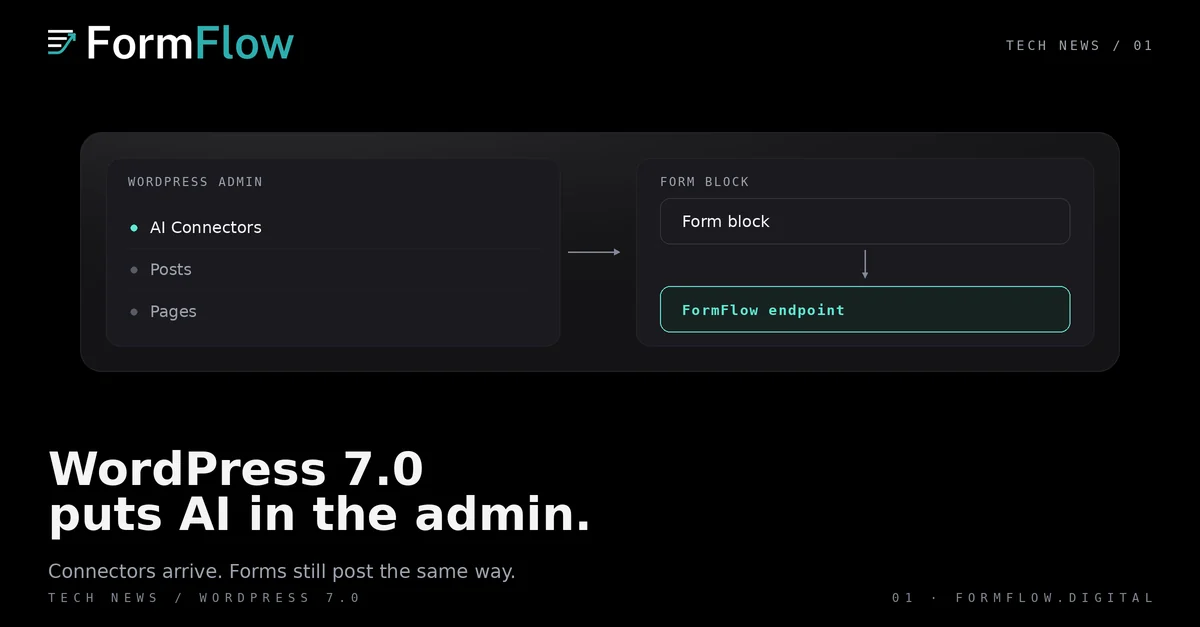
WordPress 7.0 “Armstrong” was released on 20 May 2026. Its announcement frames it as the start of a new era for AI in WordPress, and what matters to a Form owner is narrower: a shared AI layer, one screen to manage its connections, and an admin rebuilt around them.
What shipped on 20 May
The release adds an AI Client in Core, so WordPress itself can talk to a generative model. It adds the Abilities API, plus a client-side counterpart that ships a user interface and a command palette. And it adds the Connectors screen: one place to manage external connections, with three presets to start from or connections of your own added by hand. An optional AI plugin brings image generation and editing, title and excerpt suggestions, and suggested alt text into the editor. The WordPress.org announcement and the WordPress.com overview are the two primary sources.
Two statements do the most work for a site owner. The AI features are optional and need to be enabled by the site owner. And nothing is automatically shared with an AI service when WordPress 7.0 is installed. That second one is a default about installation, not a guarantee about what a connector does once you have authenticated it.
The admin changed with it
The same release rebuilt the surface. A new default admin colour scheme and smoother transitions, a Command Palette shortcut in the top admin bar, and a Font Library that works across block, hybrid and classic themes. Revisions gained visual markers, so you scrub through versions and restore one. Blocks gained responsive visibility. Navigation overlays got their own editing canvas, and the new blocks include Breadcrumbs and Icons, alongside a gallery lightbox and a revised Heading block.
For a Form, the interesting item is responsive visibility. A Form inside a block that hides on mobile is one half its visitors cannot reach, and the switch that did it is invisible on a desktop preview.
What it means for a Form on a WordPress site
Not much, and that is the honest answer. FormFlow is not an AI Connector. Nothing on the Connectors screen connects a Form to FormFlow, and FormFlow does not read what a connector sends to a model. A Form on a WordPress site is still an ordinary form: the HTML copy from Get code goes into a Custom HTML block, posts to https://formflow.digital/api/v1/f/{token}, and the Form's ingestion judgment, Strict schema, File fields, spam scoring and Turnstile challenge are decided at that endpoint. The API reference is the contract, and the CMS version does not appear in it.
Placement gets easier later. FormFlow's own WordPress plugin and shortcode arrive with v1.32.0 on 2026-10-04: it prints the current Generated component, caches it for five minutes, and keeps the last copy when FormFlow cannot be reached. Until then the pasted copy is the placement, and a pasted copy does not follow later field changes.
What this does not decide
It does not decide your provider. The Connectors screen authenticates a connection; which model receives what is that connector's contract.
It does not make a WordPress page a trusted source. A Form on a public page is reachable by anyone who can read the page, which is why the Origin allowlist and the spam judgment stay Form settings.
It does not change what a Form accepts. Strict mode, File fields and the Origin allowlist live in FormFlow.
It does not make generated copy editorial. Suggested titles, excerpts and alt text are drafts a person still has to accept.
The WordPress.org announcement gives the contributor count, 875 and more, with over 420 enhancements and fixes; the WordPress.com overview states the opt-in default plainly. Read both before changing a site, and check which features you plan to rely on are on by default. In this release, the AI ones are not.