
Google Sheets raises its limit from 10 million to 20 million cells
Google says Sheets now supports up to 20 million cells per spreadsheet, up from 10 million, for new, existing and imported files. What it covers and what it leaves open.
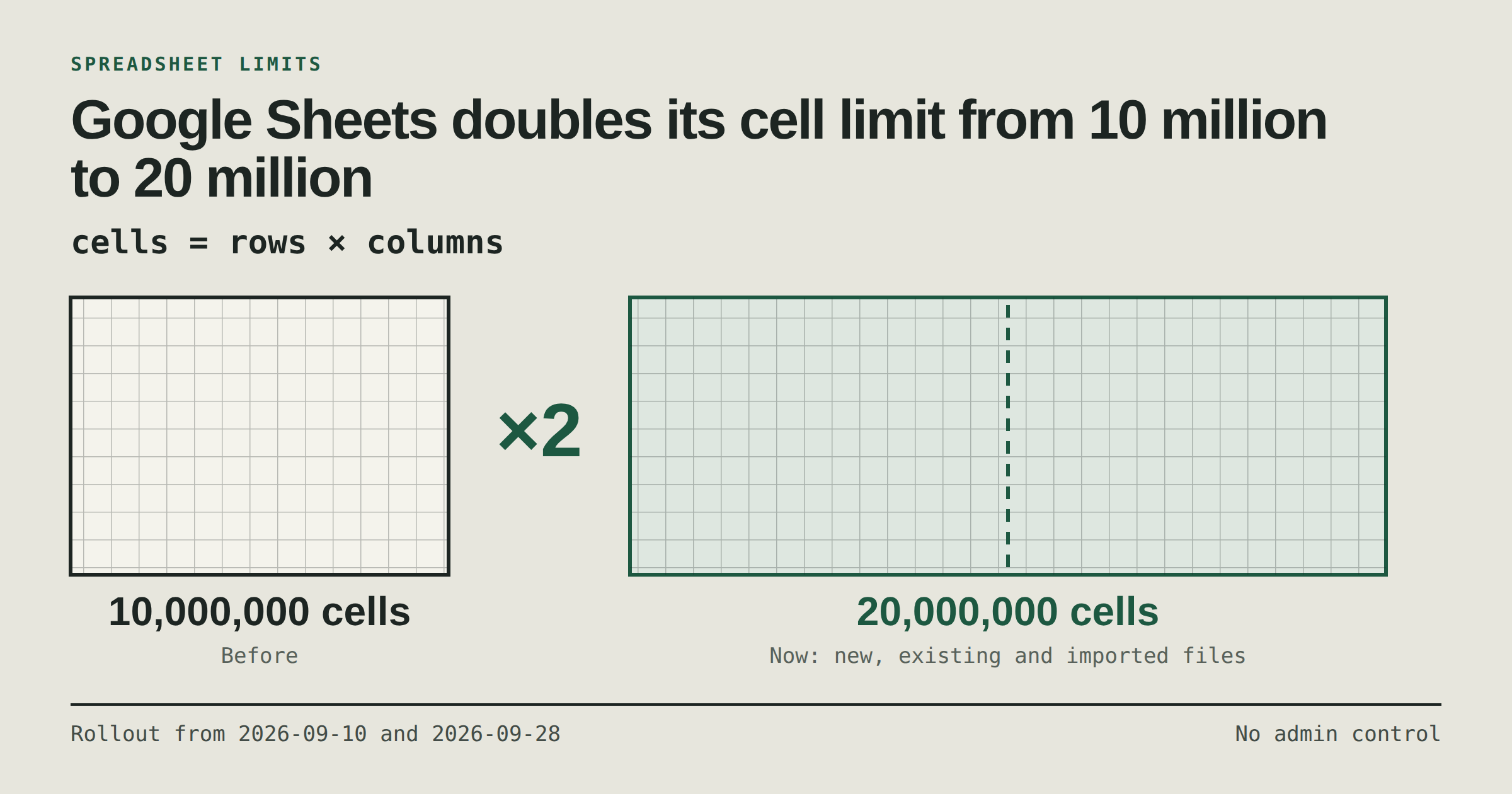
On 10 September 2026 the Google Workspace Updates blog announced that "Google Sheets now supports up to 20 million cells per spreadsheet". The earlier limit was 10 million. The announcement, Doubled cell limits in Google Sheets now generally available, is short, and this post sticks to what it says.
What Google says
The limit applies to "new, existing, and imported files", and the announcement names imports of large datasets from Microsoft Excel (.xlsx) or CSV files.
It applies automatically when you create, expand or import a spreadsheet. There is no admin control and no end-user setting.
It is available to all Google Workspace customers, Workspace Individual subscribers and users with personal Google accounts.
Google also plans to raise the file byte size limit for imported spreadsheets. It marks that as "coming soon" and gives no figure.
Rollout dates
Google gives two dates. On Rapid Release domains a gradual rollout starts on 10 September 2026. On Scheduled Release domains it starts on 28 September 2026. Each rollout can take up to 15 days before the feature is visible, so a spreadsheet may still show the old limit for a while after the date that applies to you.
How to read a limit counted in cells
A cell is one box in the grid, so the number of cells in a block of data is rows multiplied by columns. The figures below are our own arithmetic, not Google's:
Columns | Rows at 10 million cells | Rows at 20 million cells |
|---|---|---|
10 | 1,000,000 | 2,000,000 |
20 | 500,000 | 1,000,000 |
50 | 200,000 | 400,000 |
A wider sheet runs out of room sooner, because every extra column costs a cell in every row. Google states the limit per spreadsheet; the announcement does not say how cells on different tabs or empty cells are counted, so check Google's Help Center before you plan around an exact figure.
A cautious reading
More headroom is useful if you have hit the old ceiling, for example when importing a large export. It is not a reason to grow a spreadsheet to the new limit. That is our view, not Google's: a sheet with millions of cells is a database in a spreadsheet's clothing, and if you are collecting form responses that keep arriving, it is worth deciding in advance how long you will keep them in one place.
A rough way to plan: multiply the number of columns by the number of rows you expect, and compare the result with 20 million, not with the old 10 million. If the figure is within a factor of two or three of the limit, plan an archive, a second spreadsheet or another store before the day you hit it. If you are nowhere near it, the announcement changes nothing for you.
This post is about Google's change only. It makes no claim about how any particular tool, FormFlow included, writes to Google Sheets.