
Turn a long Form into Steps without changing the endpoint
Steps split a long Form into screens without touching the endpoint: one POST still carries every field, the break rides on the field below it, and a Form falls back to one page.
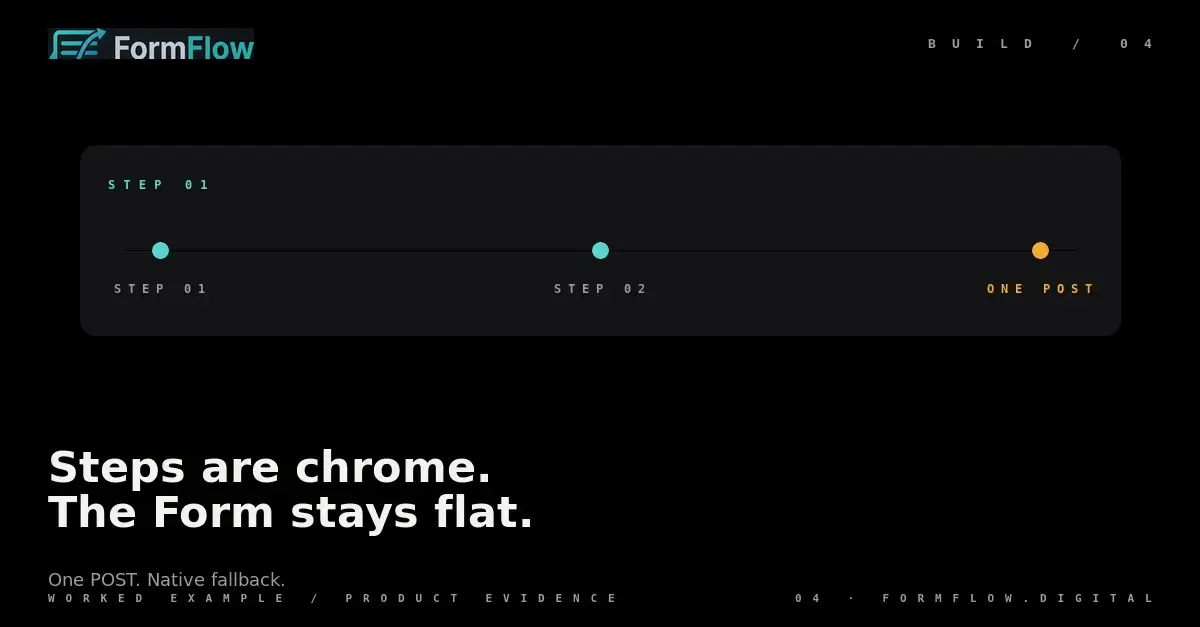
A long Form is one page of questions, and one page is where people leave. Steps split it into screens. What they do not do is change the endpoint: the Form still posts once, with every field, to the URL your markup already names.
A Step is a presentation decision
A Step is a named group of a Form's fields shown to a Submitter one screen at a time. Nothing about ingestion, quota, spam scoring or retention changes when a Form is split into several: the judge receives the same body it received before, and one Submission stays one Counted Submission.
That is the whole contract, which is why adding a Step is a change to presentation and not to your integration. The URL in your HTML, the field names in your markup and the Submission count on your Plan all stay where they were. Steps are available on paid Plans.
The break belongs to the field below it
In the builder a Step break is a marker on the field that opens the next Step — the same thing as a rule drawn above that field. It travels with the field, so dragging the field moves the break with it. A Step break is not a divider you drop between questions; it is a property of one field, and reading the field list from the top is reading the Step order.
Two consequences follow. Reordering fields reorders Steps, so a Step you liked can be absorbed into the one above it. And an empty Step closes up: FormFlow keeps no screen with nothing on it.
One POST carries every field
The Form draws one Step at a time, but the browser still sends one request. Everything the Submitter answered arrives together, keyed by the field names in the Form's schema. The endpoint reference lives at /docs/api: one POST, one body, one answer.
curl -X POST https://formflow.digital/api/v1/f/ff_live_example \
  -H 'Content-Type: application/json' \
  -d '{
    "name": "Lena Ortiz",
    "email": "lena@example.com",
    "company": "Ortiz Studio",
    "budget": "5000",
    "brief": "A one-page site, live in June."
  }'
Five fields, three Steps, one request. There is no partial Submission to reconcile between screens, no second request to retry and no receipt per Step. If the request fails, the attempt failed; if it succeeds, FormFlow holds one Submission and judges it once.
When the Form draws flat
A Form renders as every field on one page under a single submit button in three cases: it declares no Steps, the Team's Plan no longer permits them, or the Submitter's browser runs no JavaScript. Flat rendering is not a fallback bolted on afterwards; it is the thing Steps are chrome around.
A visitor with scripting off gets the same fields, the same names and the same submit button — laid out flat. The Form is not broken, it is simply one page. Losing Steps to a Plan change is not a migration either: the Form keeps its Steps in its schema, draws flat while the allowance is missing, and draws them again if it returns.
Where Steps are blunt
Steps also do not hide the schema. Anything you declare is in the contract whether or not a screen shows it, and the browser's view of which fields are visible is never what decides what is accepted. If a field must be absent rather than merely unseen, do not declare it.
The Changelog entry for v1.0.0 records the sentence all of this rests on: point any HTML form at FormFlow, or use a hosted page or an embed, and it receives, filters, stores and forwards every submission. Steps rearrange the middle of that sentence. They do not lengthen it.