
Read Form Health before the inbox goes quiet
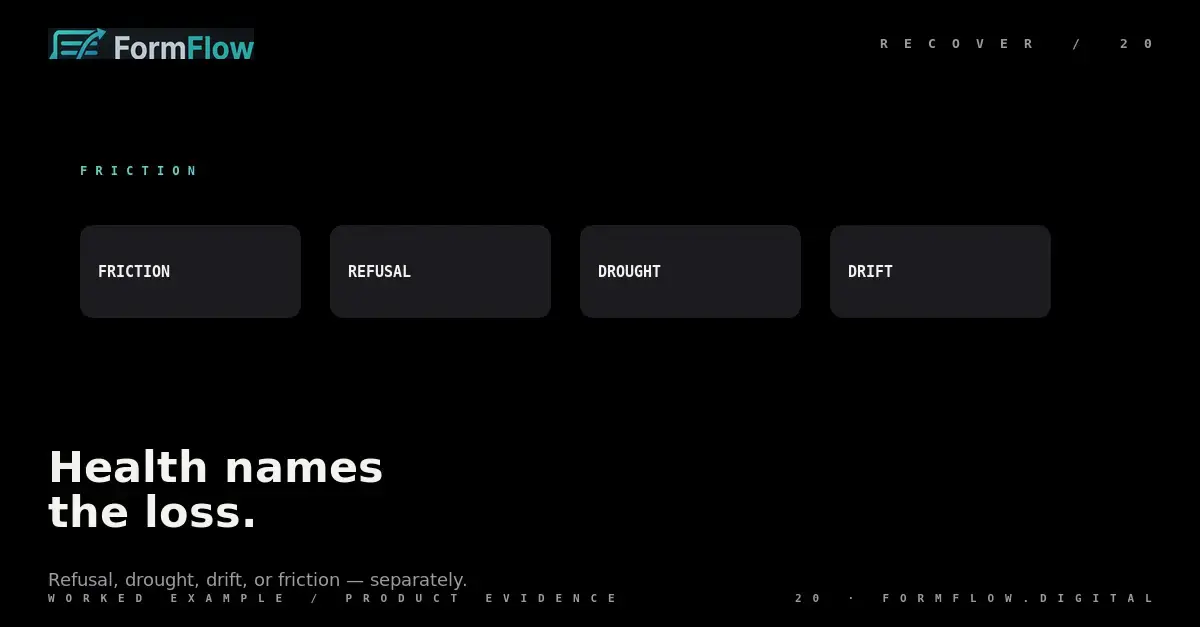
FormFlow computes four Health signals from a Form's own traffic — Friction, Submission refusal, Submission drought and Schema drift — and alerts you once when one newly appears, not for an unchanged condition.
A customer's HTML lives on the customer's site. When it breaks — a renamed field, a removed action, a script that stopped running — no error reaches FormFlow. Submissions simply degrade or stop, and the first thing anyone notices is usually a quiet inbox.
Form health is FormFlow's answer to that: a computed reading of whether a Form is still receiving Submissions, in its expected shape and at its expected cadence. It is computed from the Form's own traffic, which is also exactly where its limits begin.
What FormFlow can and cannot be told
FormFlow never sees the page. It sees arrivals: a Preflight that ran or did not, a refusal it issued, a Submission it accepted, and the fields each body carried. Every Health signal is derived from those records, so health is history-dependent. A Form with a month of traffic can be judged against its own baseline; a Form created this morning cannot.
That is why an empty Health panel is not a clean bill of health. It is the absence of evidence, and FormFlow will not present it as a measured result.
The four signals
There are four, and the first three are the same loss caught at successively later stages.
Signal | What it catches | What it is not |
|---|---|---|
Friction | A Preflight named a problem while the Submitter was still on the page. | A refusal: nothing was turned away. |
Submission refusal | The Form is turning away a meaningful share of its own traffic because of its own settings. | A drought: the traffic is arriving and being rejected. |
Submission drought | A collapse in the Submission rate against the Form's own recent baseline. | A count of lost leads. |
Schema drift | A declared field the Form has stopped receiving. | A drop to nothing: the Form still works, degraded. |
Friction and a Submission refusal are recorded independently, because a Form can deter one Submitter before Send and refuse another at ingest. A drought is reported only when neither fired, since a Form that is deterring or refusing its traffic writes no Submission either way and would always look silent as well. Schema drift can accompany any of them, and it is judged on Embedded form traffic alone: a Hosted page is rendered from the schema, so a declared field cannot silently stop arriving there.
Read the status without over-reading it
The Dashboard shows Healthy, or At risk with the active signals named. Healthy means no signal is currently firing. A Form that is not open — switched off, or no longer accepting Submissions — is Healthy too: it went quiet on purpose.
Two readings are easy to get wrong. At risk is not a forecast of lost revenue, and Healthy is not proof that every field arrives as intended. The status tells you which fault was detected, not what it cost.
Act on the signal you have
A Health alert is a branded email sent when a signal newly appears for a Form. It is not repeated for an unchanged condition, so a Form that has been drifting for a week does not mail you every morning; it mailed you once, when the drift started. The alert reports on a Form's health to the Team's owners, where a Submission digest reports its Submissions to its notification addresses.
What to do depends on the signal. Friction sends you to the attempts that stalled while the Submitter was still there. A Submission refusal sends you to the refusals the Form kept and to the setting that caused them. A drought sends you back to the page your markup lives on. Schema drift sends you to the field that stopped arriving, which is usually a form edited without FormFlow.
One reading a week is enough for most Forms. Health is not a live gauge to watch; it is a check that a Form still does what it did last month.
Where health is blunt
It also cannot see a Form nobody was going to fill. A page that never had traffic has nothing to lose, and health will say nothing about it rather than call it healthy.
The v1.0.0 Changelog entry lists Form health as shipped: get warned when a form goes quiet, before it silently loses leads. The reference for the records behind it is in the same place as the rest of the API, and the v1.1 post covers the Steps and Branches that decide which fields a given Submission was supposed to carry.