
v1.29: handled status reaches exports and the API
FormFlow v1.29.0 writes the time a Submission was marked Handled into CSV, Excel and JSON exports and the Management API. Here is what the time means and where it stops.
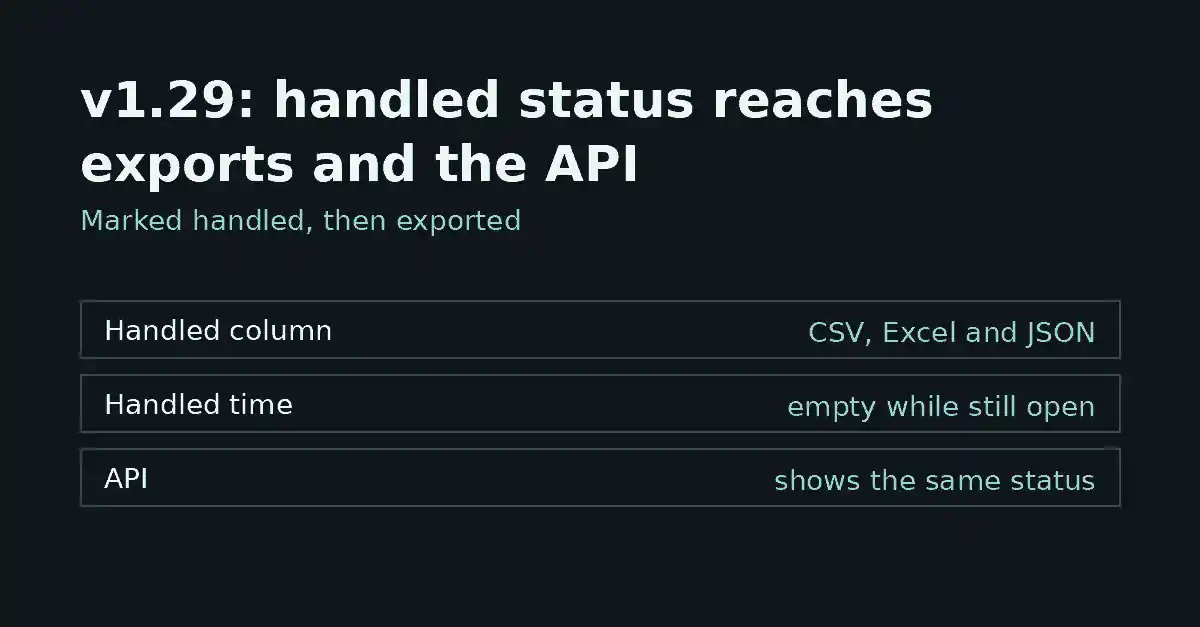
FormFlow v1.29.0, released on 2026-10-02, carries the Handled status out of the inbox. Until now, marking a Submission Handled was visible only inside FormFlow. From this Release, CSV, Excel and JSON exports record when it happened, and the Management API returns the same time and can filter on it.
What changed
CSV and Excel exports gain a Handled column. In the file its header is _handled_at, written the way the other Submission detail columns are (for example _id).
JSON exports carry a handled_at key on every Submission.
The Management API returns handled_at on each Submission, in the list and on a single Submission.
The submissions list accepts handled=true or handled=false, to fetch only the handled or only the open Submissions.
The export picker lists the column, so you can untick it.
What the time records
The value is the moment the Team marked the Submission Handled, as an ISO 8601 timestamp such as 2026-10-02T09:30:00+00:00. FormFlow's application clock is set to UTC, so the offset is +00:00. The status belongs to the Team, not to one member: there is no assignee, and the export carries a time, not a person.
Three behaviours follow from how the status is written. Marking an already-handled Submission does nothing, so the first time is kept. Reopening a Submission clears the time, and the cell is empty again while it is open. If you reopen and later mark it handled again, the column shows the new time, and the earlier one is gone. Sending a reply to the Submitter from FormFlow also marks the Submission Handled, so the time can come from a reply rather than a click.
In the export picker
For CSV and Excel, the export picker lists the columns you can include. An export with every column chosen now contains the Handled column. Untick it and the file keeps the layout you had before, which matters if another tool reads the file by position. Even so, it is safer to read the file by header name.
The picker is not shown for JSON. A JSON export always includes handled_at, and it is null while the Submission is open. A queued export is a point-in-time copy, so files you downloaded before v1.29.0 are not changed and a new export reflects the status at the time it was queued.
What the API shows
On the Management API, a handled Submission includes handled_at with the same timestamp format. An open Submission leaves the key out altogether, the way read_at is already left out while a Submission is unread. That differs from the JSON export, which keeps the key and sets it to null, so a consumer that handles both should treat a missing key and a null as the same thing.
On the list, handled=true returns only Submissions that have a handled time, and handled=false returns only the open ones. If you leave the parameter out, you get both. It combines with the existing is_spam and unread filters and with the q search.
Where it is blunt
It is a time, not a history. Only the latest handled time is exported, so you cannot see that a Submission was reopened.
It names nobody. Do not use the column to compare members.
Handled means dealt with, not necessarily replied to. A Submission can be handled without anyone writing to the Submitter.
It is not a response-time metric by itself. You can compute a gap from the received time and the handled time, but that gap includes every reason a Submission sat open, and reopening resets it.
It does not rewrite anything already exported.
This post explains the Release. The Changelog entry for v1.29.0 remains the record of what shipped.