
v1.28: saved replies that fill in the Submitter's answers
FormFlow v1.28 adds a saved reply per Form, with placeholders that drop in the Submitter's own answers. Here is how it works and where the boundaries are.
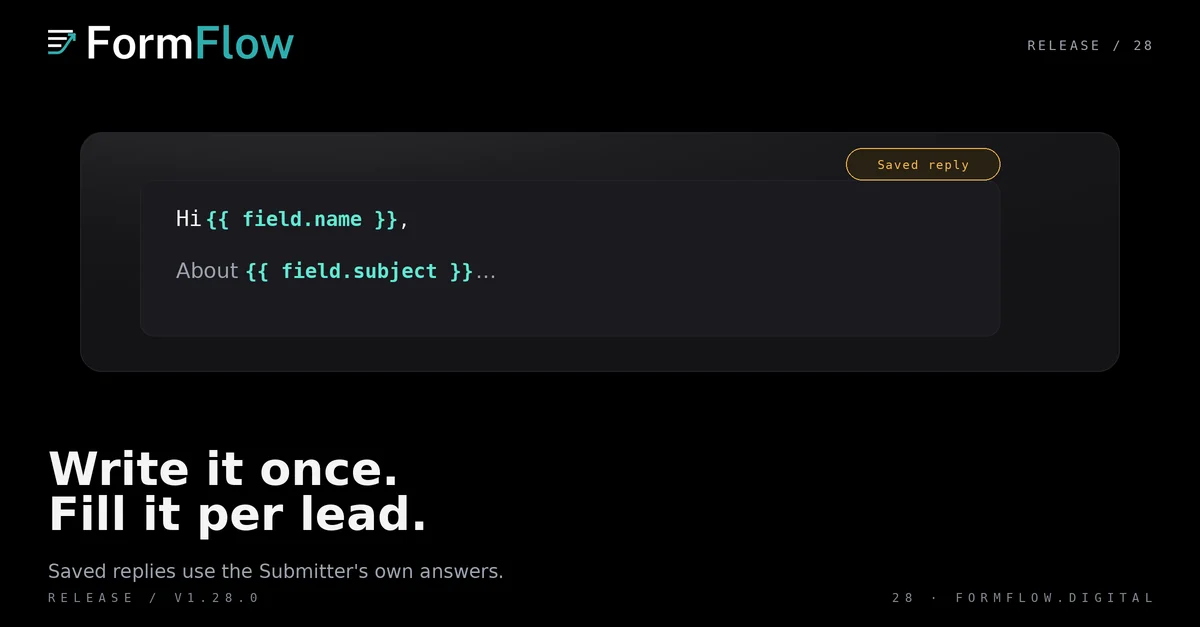
FormFlow v1.28.0 shipped on 2026-10-02 with a single entry: a saved reply for each Form. It is a small change to a surface you already use, and it removes the most repeated step in answering a lead.
The Release is recorded in the Changelog.
Write it once, under Replies
Open the Delivery tab and find “Replies”. Write the message you send most often — the paragraph you retype for every enquiry — and save it. The Reply button on a Submission then opens with that message already in the composer.
Pre-filled is not sent. You still read it, edit it and press Send, and nothing goes out on its own. A saved reply is never a Delivery intent; it becomes Submitter mail only at the moment you send it.
It is per Form rather than per Team, which is the right shape for this. The reply a Team sends about a job application and the reply it sends about a quote request are different messages, and they belong to different Forms.
Placeholders fill in the Submitter's answers
The part that earns its keep is that the message can carry the Submitter's own words. Write the placeholder where the answer belongs, and the composer replaces it with what the Submitter entered in the field of that name.
Hi {{ field.name }},

Thanks for the note about {{ field.subject }}.

— the team
On a marked Form, the mark works the same way, so a reply can quote the score without anyone copying it. Saving checks every placeholder: if one names a field the Form does not have, FormFlow says so at save time rather than sending a message with an empty gap in it.
The boundaries that bite
The rules in this section did not ship with the v1.28.0 entry: they are later fixes, recorded in the Changelog under v1.28.8.
Length is checked when the Form is saved, not when a reply is sent. A saved reply longer than a reply may be is refused there, however the Form is saved, and it is never truncated for you.
Filled answers can still push a reply past the limit. When they do, the composer says so as soon as it opens, and it cuts nothing.
Angle brackets are fine. A Submitter who writes “I <3 it” no longer blocks the reply; their words arrive as typed.
A web address typed by a Submitter arrives as plain text, not a clickable link. Only links you write yourself go out live.
That last one is a deliberate downgrade. The alternative is a Form where a stranger can put a link into your outbound mail, and the cost is that a genuine address a Submitter sends has to be copied into a link you write.
None of this changes what a saved reply is: a Form's own message, held to the same rules as any other Submitter mail, because its whole purpose is to become one.
What did not change
The reply is still one-way. FormFlow never receives the Submitter's answer.
Nothing sends itself. A saved reply is a starting point, not an automation.
Delivery is untouched. A saved reply creates no Delivery intent until you press Send.
Notification addresses, receipts and the follow-up status work as before.
If you set a waiting threshold in v1.9, this Release sits underneath it: the threshold decides which leads you look at first, and the saved reply decides how little work it takes to answer one.