
v1.42: hosted pages preview in chat apps
Since v1.42.0, sharing a hosted page's link shows the form's title, its introduction and your hosted logo, the last two only when you have added them.
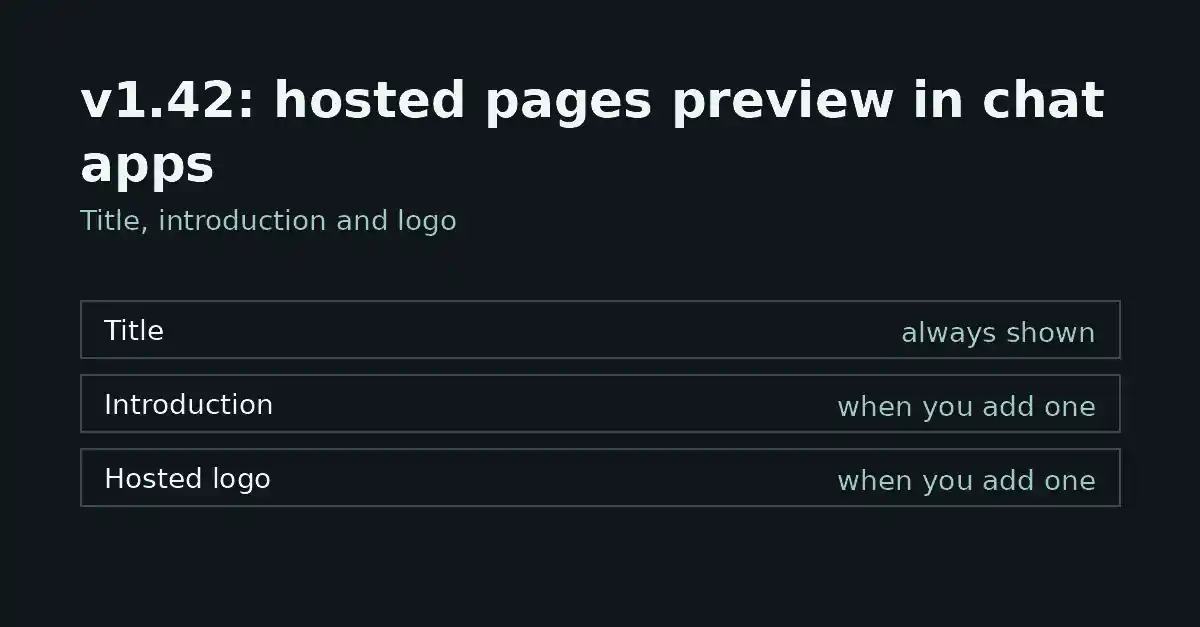
FormFlow v1.42.0, released on 2026-10-10, changes what a chat app or social network shows when someone shares the link to one of your hosted pages. Before this Release the preview carried the form's title alone. Now it carries the title, the form's introduction and your hosted logo. This post says what each part is, when it appears, and what the Release does not claim.
What the preview now contains
The Release entry names three things in the preview:
The form's title. It was the whole preview before; it is now the first of three parts.
The form's introduction, but only when you have added one.
Your hosted logo, but only when you have added one.
The entry is explicit that the introduction and the logo appear only when you have added them. A form with no introduction, or a Team with no hosted logo, is previewed without the missing part. Nothing in the entry says anything is substituted for it, so do not expect a placeholder.
Where the introduction and the logo come from
The introduction is the one your form already carries. The hosted logo is a Team setting: one raster image that FormFlow draws above the heading on every hosted page your Team's forms serve, uploaded in the Branding section of settings. Because the logo belongs to the Team and not to a form, one form cannot carry a different logo from another. This Release does not change that; the link preview uses the same hosted logo your hosted pages already show.
The hosted logo is never drawn on an embedded form, because an embedded form sits on your own site, which already carries your mark. The Release concerns the link to a hosted page, so it does not touch embedded forms.
Open or closed, the same preview
The entry states that the preview is the same whether the form is open or closed. That matters because a closed form's hosted page still opens and shows the closed notice. A link you shared while the form was open therefore keeps the same title, introduction and logo after you close it.
This is a statement about the preview only. Closing a form still shuts the door through which it accepts submissions; nothing in this Release reopens it.
Microsites are a separate case
v1.42.0 is about hosted pages, the one page FormFlow renders for a single form. A Microsite is a different page: a public page you compose from blocks. Its link preview is governed by its own Search and sharing settings, which hold its meta title, description and share image. The v1.42.0 entry does not mention Microsites, so this post makes no claim about them beyond that.
What to check after upgrading
Look at the form's introduction and ask whether you are content for it to be the text a stranger reads before opening the link.
Check that your Team has a hosted logo, if you want one in the preview.
Paste the link into the chat app you actually use and look at what comes back.
The third step is the only one that tells you what a given app does with the information, which is the subject of the next section.
Where it is blunt
It does not control how a chat app draws the card. The entry describes what the preview shows; it makes no promise about layout, cropping or whether a given app displays the logo.
It says nothing about previews an app has already stored for a link. The entry does not cover caching, so do not assume an old link refreshes on its own.
It does not add an introduction or a logo for you. If neither exists, the preview is the title, as it was before.
It is not indexing. A link preview is separate from whether search engines may index a page, and a page that asks not to be indexed still has a preview.
That is the whole Release entry for v1.42.0: one change, to one surface, with two parts that depend on what you have added.