
v1.72: the Panel assistant retries and recovers when you confirm
v1.72.0 lets the Panel assistant retry up to 500 failed deliveries or recover up to 20 refused Submissions, but only after a dialog names the count and you confirm. It is the follow-up to the v1.68 assistant, which only answered.
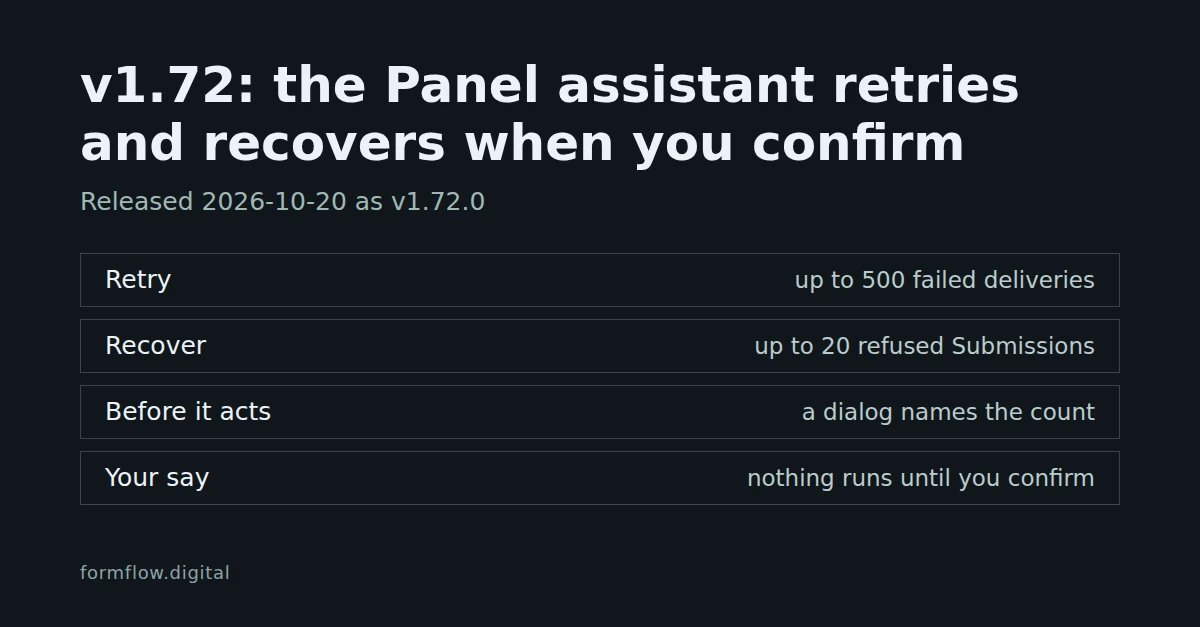
FormFlow v1.72.0, released on 20 October 2026, gives the Panel assistant two actions it did not have. The v1.68 post said the assistant answers and explains but does not retry a failed delivery or recover a refused Submission. v1.72.0 adds both, behind a confirmation. This post explains those entries; v1.72.0 in the Changelog remains the record of the Release.
Retry failed deliveries when you confirm
Ask the assistant to retry the deliveries that gave up, either on one Submission or on a Form since a date.
A dialog comes first. It is headed “Retry failed deliveries?”, names the Form and the exact count, and has a “Retry deliveries” button. Nothing is sent until you press it.
Up to 500 deliveries are retried at a time, the same ceiling as one press of Retry in the Form editor. If more are waiting, the dialog says only the first 500 are retried now and you ask again for the rest.
It uses the panel's own retry. The delivery ledger decides which deliveries can still be sent, and the answer reports how many were retried, skipped, or left over past the ceiling.
Each retry appears on your Team's timeline under your name.
Recover refused Submissions when you confirm
Ask the assistant to recover refused Submissions, up to 20 at a time.
The dialog is headed “Recover refused submissions?”, names the count and the Forms, and says each recovered Submission counts toward this period's usage. Its button reads “Recover submissions”.
Each refusal is judged again against the Form's current settings, so fix the setting that refused it first. Every refusal those settings now accept becomes a real Submission and is forwarded to every destination.
The answer says what was recovered, what had been recovered already, and what your current settings would still refuse.
If the usage ceiling is reached part-way, the recovery stops; the rest stay refused and can be recovered later.
Each recovery appears on your Team's timeline under your name.
Suggested questions
A new conversation opens on up to four questions picked from what needs your attention: failed deliveries, refused Submissions, a Form at risk, or setup still to finish. The failed-delivery question looks back 24 hours and the refused-Submission question 7 days. After each answer the assistant offers two or three follow-ups based on what it found, and one click asks the question. A suggestion appears only when the assistant could answer it for you, so your role and what you can reach decide what you are offered.
It answers more about your Forms
The assistant can now explain why Submissions were refused, check deliveries across your whole Team since a date, and say what a Form's health signals mean, with a link to where each one is fixed. It also knows today's date in your time zone, so “this week” means what you expect.
A redesigned assistant
The assistant now works like a chat. Your conversations sit beside the thread, or in a menu on a phone; the thread scrolls on its own while the message box stays in view; and answers are easier to read. The message box shows how close you are to the length limit, tells you when you are offline, and the thread stays where you are while you read back.
What this does not do
It never acts on its own. Each retry or recovery waits for your confirmation, and a request the assistant could not carry out is never put to you.
It does not read what Submitters typed. What comes back to the assistant is ids, counts, and, for a still-refused Submission, the field key and the kind of refusal.
Retry touches failed deliveries and nothing else about a delivery.
Recovery does not override your settings. A refusal that your current settings would still refuse stays refused.
It needs the same access as the panel's own actions, and, like the rest of the assistant, a Team that still pays for a Plan. Both are checked again when you confirm.
The Release also fixes a stray space before the full stop or comma in an answer that mentioned a source it could not show. The full list is in the Changelog entry for v1.72.0.