
Check the page your Form is installed on with Read my page
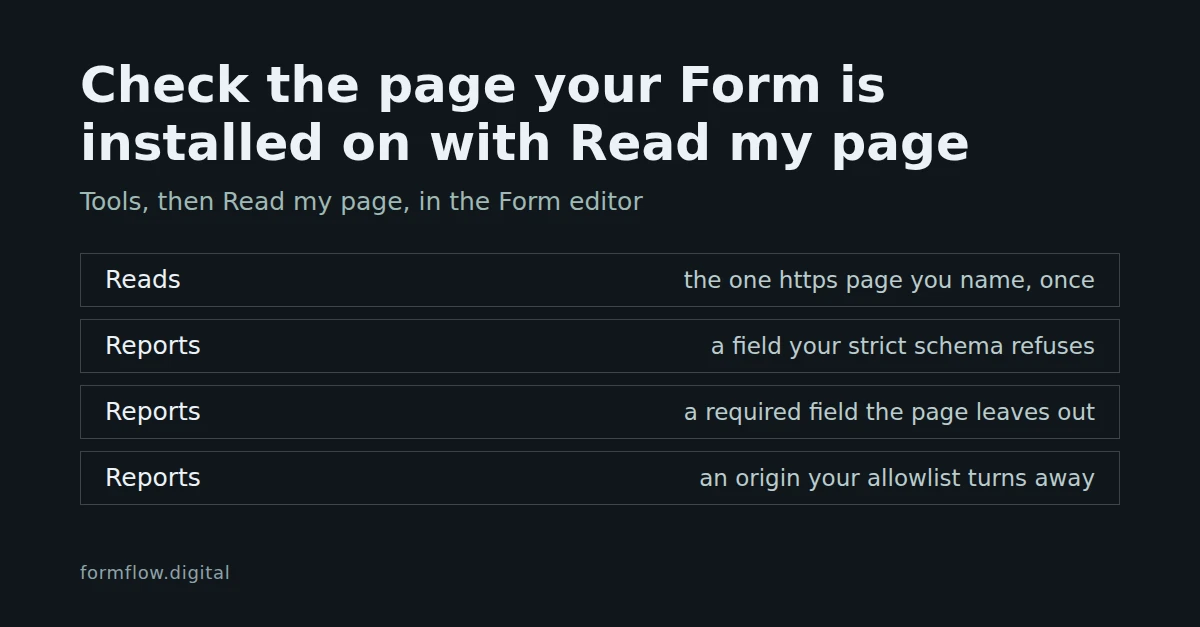
Read my page fetches the one public page you name, once, and checks the form on it against your Form's settings: a field your strict schema would refuse, a required field the page leaves out, or an origin your allowlist turns away.
A Form can be correct in FormFlow and still be wrong on the page that posts to it: a field renamed in the page's HTML, a required field cut out, a site your allowlist does not list. Read my page checks for those before a visitor finds out. It fetches the one public page you name, once, finds the form on it that posts to this Form, and judges it against the Form's settings. It arrived in Release v1.43.0.
What it reads
One page, once. The dialog says it plainly: FormFlow fetches the one page you name, once, and never reads a page you did not name.
An https address on the public internet. A Hosted page cannot be read, because FormFlow serves it itself; name the page your own site serves.
The first form whose action path ends in
/v1/f/followed by this Form's token. Only the path is compared, never the host.The page's HTML as served. No JavaScript runs, and no redirect is followed. A reply that is not HTML is refused, the wait is at most 10 seconds and the page may be at most 1 MB.
The request names itself with the user agent FormFlow-PageRead, so a site that blocks automated visitors can allow it. Each Team can fetch ten pages a minute across everything in FormFlow that fetches a page for you, and a fetch that fails still counts.
Run it
Open the Form in the editor and choose Tools, then Read my page.
In Install page address, type the full address of the page, as you want it read. If FormFlow has seen the Form loaded from a site, the hint under the field names that origin; it is only a hint, and nothing is fetched unless you press the button.
Press Read page. The answer appears in the same dialog.
Pressing Read page also saves the address on the Form as its install page, whether or not the read succeeds. Anyone who can edit the Form can run it.
The four answers
Judged
FormFlow found the form and asked it the same questions ingestion asks: the schema stage of the judgment that decides real Submissions, and the Origin allowlist. With nothing to report you see "No problems found". Otherwise the dialog says Submissions from that page would be refused, and lists one sentence per finding:
Your page sends "field", which this form's strict schema refuses. The page posts a field the Form never declared.
Your page never sends "field", which this form requires.
Your allowlist turns away host, where this page lives. The page's own host is not in the Form's Allowed origins on the Security tab.
No form found
FormFlow did not find a form posting to this Form on that page. The wording is careful on purpose: a form built with JavaScript looks the same from here as no form at all, so this does not mean the form is missing.
Live rendered
The form on that page fetches its fields from FormFlow, so its fields were not checked. Nothing is judged in this case, including the origin.
Unreadable
The page could not be read, and you are told why in one sentence. The reasons are a closed list:
The address is not on the public internet. This also covers an address that is not https.
The page refused the request. If your site blocks automated visitors, allow the user agent above.
The page did not answer within 10 seconds, or FormFlow could not connect to it.
The address did not answer with HTML.
The page is larger than 1 MB.
The address redirects. FormFlow names where it points and offers a Use this address button, which reads that address only when you press it.
If your Team has used its ten fetches for the minute, nothing is fetched and the dialog says how many seconds to wait.
What it cannot see
It reports only what ingestion would refuse. With Validate submissions against the field list switched off, an extra field is not a finding, because nothing would turn it away.
It posts a placeholder for every control. It checks which names the page sends, not whether a value would pass, so a bad value is not reported.
A required field on a Step that some Route skips is not reported, because the page cannot say which answer a Submitter will give.
File inputs, buttons and disabled controls are ignored.
It reports what the page does today. It does not grade anything, is not part of Form health and is never emailed.
A finding names the field or the host and nothing more. It does not link to the control that fixes it.
Fix it and read again
For an undeclared field, either add the field to the Form or remove it from the page. For a missing required field, add it to the page or make it optional. For a turned-away origin, add the page's host to Allowed origins. Then press Read page again; the dialog keeps the address you saved.
What this does not decide
It does not prove the page will work: a page can pass and still fail on a value, a challenge or a closed Form. For the strict schema behind the first finding, see Make a Form's schema authoritative with Strict mode. To ask the same judgment of a live request from your own page, see Catch a bad Submission before Send with Preflight. To put the Form on a page in the first place, see Embed a Form on your own website with the generated component.