
v1.75: save and finish later, UTM fields and country rules
v1.75.0 lets people resume a multi-step Form within 7 days, adds UTM hidden fields in one action, shows each Submitter's country with allow and block rules, and lets a Management API token update Submissions. This post explains each entry and its limits.
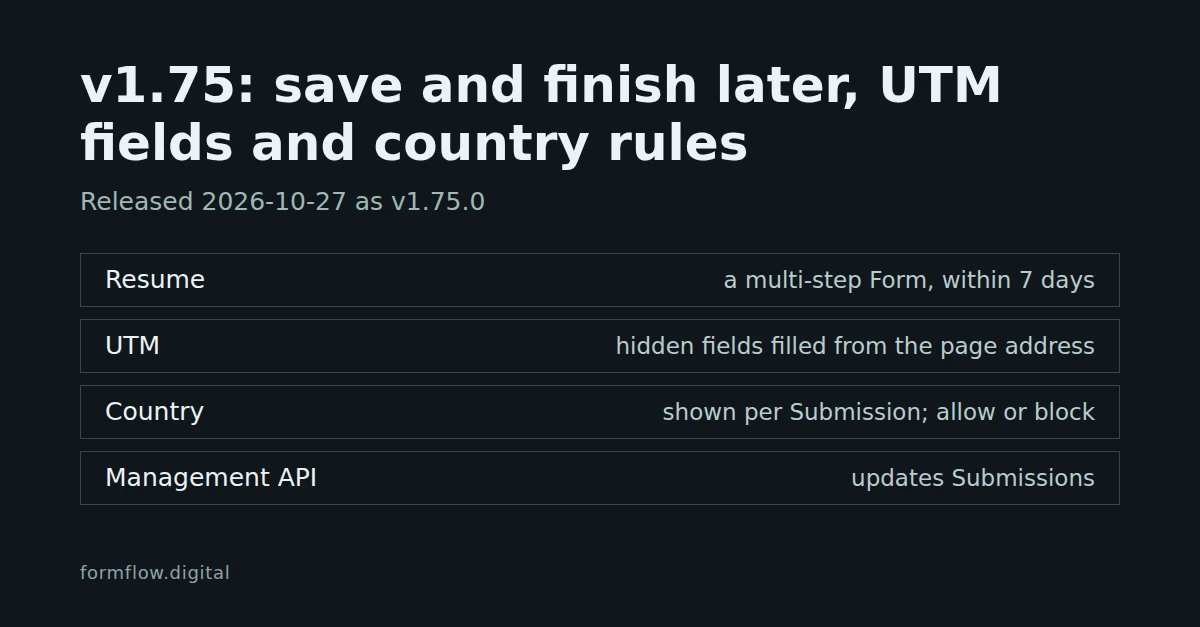
FormFlow v1.75.0, released on 27 October 2026, has four entries, all of them additions. This post explains each one and where it stops; v1.75.0 in the Changelog remains the record of the Release. v1.75.1 and v1.75.2 are separate patch Releases with their own Changelog entries, and this post does not cover them.
Let people save a multi-step Form and finish it later
Turn on “Save answers between Steps” in the Form's Fields tab. The toggle shows only once the Form has several Steps, and it is on every paid plan.
It works on a page FormFlow hosts, or on an embedded Form with Live rendering. The answers typed so far are saved each time someone moves between Steps.
The person can come back on the same device within 7 days and pick up where they left off, or choose “Start over”.
Files are never saved. A notice tells people their answers are kept: “Your answers are saved as you go so you can finish later.”, in the language the Submitter is served.
The saved answers are stored encrypted, with no IP address, location or browser details beside them.
After an hour without a save, the entry appears under Unfinished in the panel, and in your digest as people who started the Form and did not finish.
Unfinished entries are never counted against your usage, delivered or exported. They are deleted when the Form is finished, after 30 days at most, or sooner under the Form's keep period; v1.18 explains the keep period.
Capture UTM parameters on your Forms
Choose “Add UTM fields” in the builder to add hidden fields for utm_source, utm_medium, utm_campaign, utm_term and utm_content. Embedded Forms and the React, Vue, HTML and Blade components fill any empty hidden field from the page's address, so each Submission shows which campaign brought it. It is on every plan.
It adds only the keys the Form does not have yet; if all five are already there, it says so and changes nothing.
It is an ordinary edit of the field list: nothing is saved until you press Save.
On a multi-step Form the hidden fields go on the first Step, because a hidden field must sit there.
Hidden values can also arrive from a link you write yourself; see Pre-fill a Form from its link and carry a campaign source.
See each Submitter's country, and allow or block countries
Each Submission now shows the Submitter's country in the inbox, in exports and in the Management API. FormFlow works it out from the IP address on its own servers and keeps only the two-letter country code, never the address. The lookup reads a country database file on FormFlow's servers, refreshed monthly; no Submitter data is sent to its publisher, DB-IP.
A Form's Security settings also have a “Country rule”: “Accept every country” by default, “Allow only the countries I pick”, or “Block the countries I pick”. It is on every plan.
A refused Submission is kept under Refused submissions, so you can recover it.
A Submission whose country cannot be told always goes through.
Update Submissions through the Management API
An API token can now mark a Submission handled or not handled, and spam or not spam, and retry its failed deliveries, as you can in the panel. It needs the “submissions:write” ability, and it is on every paid plan.
Update: PATCH /api/v1/manage/submissions/{uuid} with the booleans read, handled and spam. A value the Submission already has changes nothing.
Read goes one way. Sending read: false is refused with HTTP 422 and the error read_cannot_be_unset.
Retry: POST /api/v1/manage/submissions/{uuid}/deliveries/retry, the same retry the panel uses, at most 500 deliveries per request.
Tokens can also register their own webhooks (REST hooks) with POST /api/v1/manage/hooks, up to 10 per Form. Creating one needs the “hooks:write” and “submissions:read” abilities, because a hook sends answers out. A hook is removed when its token is revoked or expires, and there is no endpoint that lists them.
For reading with a token first, see Read Submissions with a scoped Management API token.
What this does not do
Resume is per device and per Form with several Steps, on a paid plan. It does not carry files, and it does not follow a person to another device.
An Unfinished entry is not a Submission: it is never delivered, exported or counted, so nothing reaches your webhooks or exports until the Form is finished. Your digest only mentions it, as people who started and did not finish.
“Add UTM fields” adds the five standard keys and nothing else, and the page address fills only fields that are still empty.
The country rule is judged from the Submitter's IP address. When no country can be worked out, none is recorded and the Submission is accepted.
The Management API cannot mark a Submission unread, and a token can do these things only with the abilities you gave it.
The full wording of each entry is in the Changelog entry for v1.75.0.