
Send some Submitters to a different page, or thank them differently
A redirect route on a Form's Delivery tab matches one answer to a choice question and sends that Submitter to its own page, or shows its own thank-you message. The first match wins, and everyone else lands where they do today.
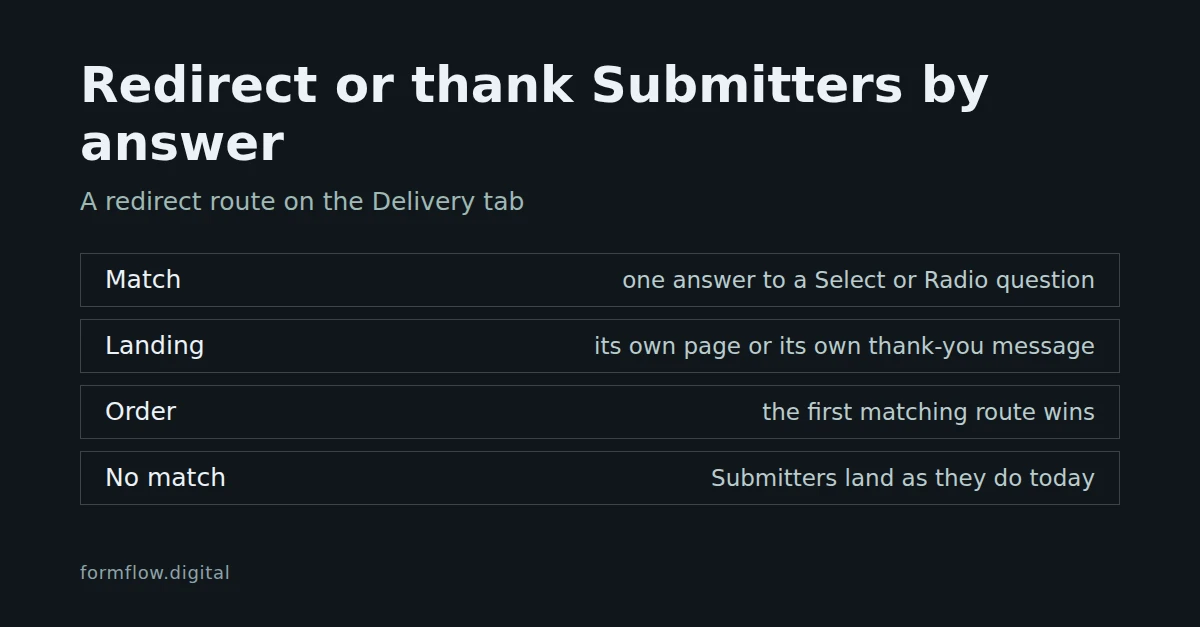
By default a Form sends every Submitter to the same place after they press Send. A redirect route changes that for one answer: when a choice question has the answer you name, that Submitter lands on a page of your choosing or reads a thank-you message you wrote. Everyone else lands where the Form already sends them. Routes to a page arrived in Release v1.78.0 and routes with their own message in v1.80.0.
What a route says
A route has three parts: one question, one of its answers, and a landing. The landing is either an address or a thank-you message, never both. When a Submitter's answer to that question equals that answer exactly, the route applies.
Before you start
The Form must already be saved and have at least one Select or Radio question. Those are the only question types a route can test; a checkbox, a multiple-choice list or a rating cannot be routed. Until then the routes control does not appear.
For an address: a full
httporhttpsaddress, such ashttps://example.com/thanks.For a message: plain text of up to 2,000 characters.
Add a route
Open the Form and go to its Delivery tab.
In the group Where the submitter lands, below Redirect submitters to, find Send some submitters elsewhere, or thank them differently.
Choose Add a redirect route.
In Question, pick the Select or Radio question to test. In Answer, pick one of its options.
Fill in exactly one of Redirect to (the address) or Thank-you message (plain text, shown instead of an address). The editor refuses a route with both and a route with neither.
Add more routes if you need them, up to 20, and drag them into order.
Save the Form. Routes apply to Submissions that arrive after you save.
How a route is chosen
The first matching route wins, and the order in the editor is the order of precedence. Reordering routes can change where some Submitters land.
A matching route outranks the Form's own Redirect submitters to address and the Hosted page's usual confirmation.
With no match, the Submitter lands exactly where they would without any routes.
Only a browser form post is routed. A script that asks for JSON keeps the usual JSON response.
A Submission held as spam lands the same way as any other, so where a Submitter ends up never reveals the verdict.
Where each kind of landing works
An address redirects the browser away from FormFlow.
A message is drawn by FormFlow, so it appears on the Hosted page and in a Microsite's Form block, in place of the Form's own success message. It is shown once, as you wrote it, in every Submitter language.
An embedded Form cannot draw a message. When it posts as a plain HTML form, it skips routes that carry only a message and moves on to the next matching route, then to the Form's own redirect. If you want an embedded Form's Submitters to land somewhere specific, give that route an address.
So the same answer can show a message on the Hosted page and redirect to an address in an embed, if you order a message route before an address route. For the embedded side, see Embed a Form on your own website with the generated component; for the Form block, see Build a microsite around your forms.
When a route stops working
A route is tested against the Form's saved questions each time a Submission arrives. If its question is deleted or is no longer a Select or Radio, or the answer is no longer one of the options, the route is ignored and the Submitter lands where they would without it. The editor marks such a route with "This route's question or answer is no longer on the form, so its submitters land where they would without it." The pickers read your current edit, so you can add a question and route it before saving, and a route that has gone stale stays visible so you can fix it. Rename an option and you must update the route.
Limits to know about
One question and one answer per route, matched by equality. There are no "or" or "and" conditions, and no other operators.
The address is fixed text. FormFlow does not insert the Submitter's answer into it.
Twenty routes per Form.
Routes do not change Submissions that already arrived.
A route decides where a Submitter lands after they send. What they see when a Form is closed is a different setting; see Write a closed message people understand.