
v1.58: open a Form at a set time
Release v1.58.0 adds Opens at (UTC) beside Accepting submissions, so a Form opens itself at a chosen moment. What a visitor sees before then, and where it is blunt.
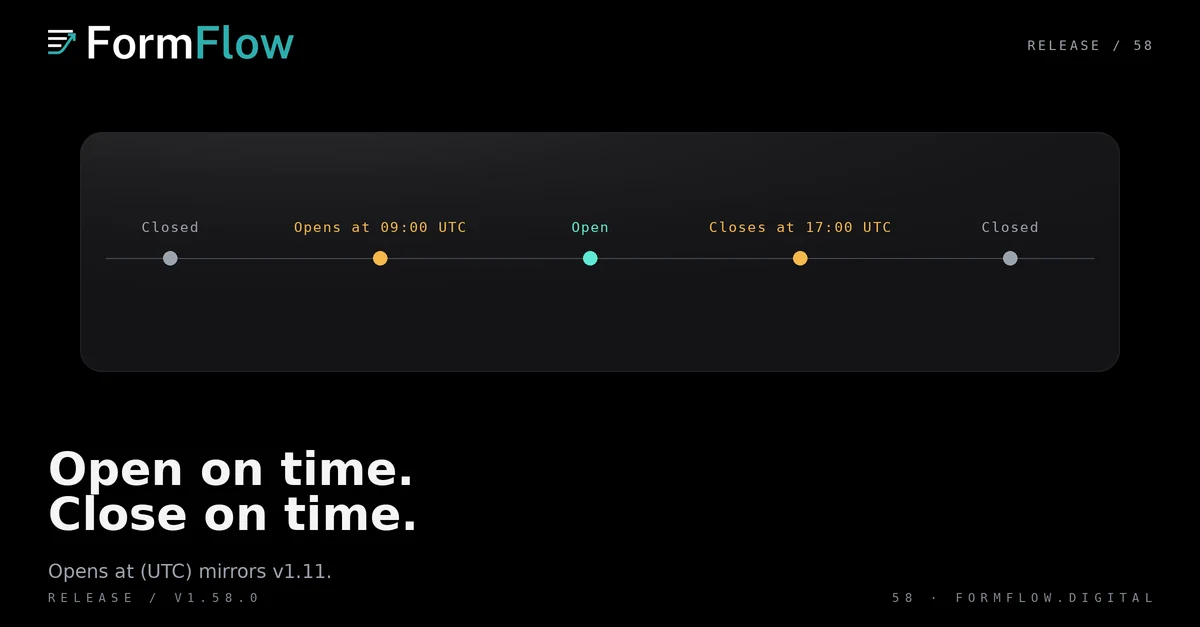
Until Release v1.58.0 on 13 October 2026, a Form could close itself on a schedule but it could not open itself. Someone had to be in the panel at launch, waiting to switch Accepting submissions on, while every visitor before that moment read the same closed notice a Form uses after it has finished. The Changelog entry gives the short version. This post explains how the opening time behaves, what a visitor sees, and where it is blunt.
The field beside the switch
In the Form editor, Opens at (UTC) sits beside Accepting submissions, next to Closes at (UTC) and Close after (submissions). Pick a date and time to the minute. Until that moment passes, every door a closed Form shuts stays shut, and at that moment the Form opens by itself.
It is always UTC, whatever timezone your panel uses. Enter a time that has already passed and nothing breaks: the Form is open, and the field keeps the time it opened, so you can still read the schedule afterwards. There is no rule that the opening time must be in the future, because a launched Form is not a validation problem.
What a visitor sees before the moment
While the Form waits, its Hosted page says when it opens, in the Form's language, instead of telling the visitor the Form is no longer accepting Submissions. A Microsite holding the Form says the same thing in its Form block.
That sentence replaces your own closed message for this one state. A closed message is written for after a Form finishes, so it is the wrong sentence for a Form that has not started, and FormFlow does not use it here.
Opening and closing on the same Form
Setting both Opens at (UTC) and Closes at (UTC) is valid, and the Form is open only between them. The save is refused if the opening time is on or after the closing time, so you cannot schedule a Form that never opens.
A closing time or a Submission cap set under the closing rules that shipped in v1.11 still applies unchanged, and the Form is closed at either end of the window. Clearing the opening time opens the Form at once, which is how you launch early. A Form created by copying another does not carry the opening time, so a copy never opens on someone else's schedule.
Where it is blunt
UTC only. There is no per-Form timezone, so convert the moment yourself; the helper under the field shows your local equivalent.
The switch still wins. Turning Accepting submissions off keeps the Form closed even when its opening moment arrives.
An Embedded form says no date. On your own site the Form shows the standard closed refusal, without naming the moment it opens. Only the Hosted page and the Microsite Form block do.
Nothing tells you it opened. There is no email and no panel notification at the moment the Form opens.
What did not change
Accepting submissions, Closes at (UTC), Close after (submissions) and the closed message on the Delivery tab all behave exactly as they did. The opening time is another reason a Form is closed, not a replacement for the switch.
The daily Submission digest keeps its own cadence and its own recipients, so an opening time does not make a Form send mail. No export format, API route or panel permission changed. A Form that already opens and closes correctly today needs no edit at all.