
v1.18: decide how long a Form keeps its Submissions
FormFlow v1.18 adds a Keep period per Form: delete Submissions after 3 months, 6 months, 1 year or 2 years. It covers what you already hold, files included, and it is permanent.
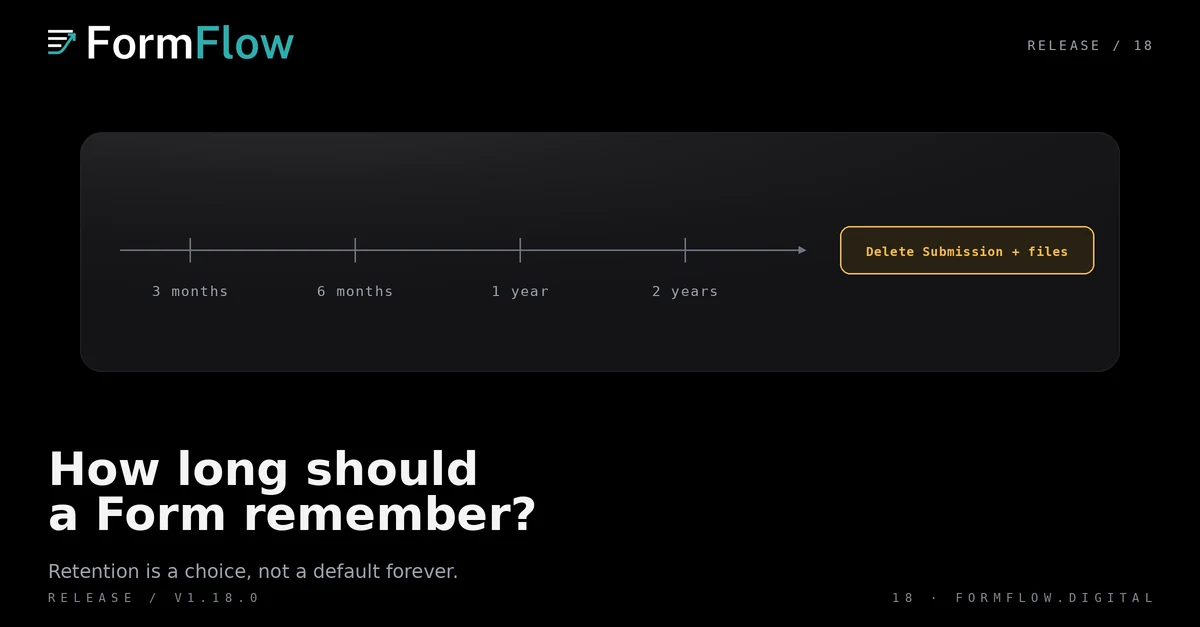
FormFlow v1.18.0 shipped on 2026-10-01 with one setting and a long tail of consequences: a Form can now delete its own Submissions once they are older than 3 months, 6 months, 1 year or 2 years.
The Release is recorded in the Changelog. This post explains the entry and the boundaries that come with it.
Where the setting lives
The control is on the Delivery tab, in “Delete submissions after”. It sits beside the other decisions about what happens to a Submission once it has arrived, which is where a question about how long a Form remembers belongs. Leave it blank and the Form keeps everything, exactly as it did before this Release.
The four choices
Setting | What it means for a Submission |
|---|---|
Blank | Kept indefinitely, as before v1.18.0. |
3 months | Deleted once it is more than three months old. |
6 months | Deleted once it is more than six months old. |
1 year | Deleted once it is more than a year old. |
2 years | Deleted once it is more than two years old. |
It reaches backwards, and it takes the files
Two properties of the setting cause most of the surprises.
It applies to Submissions you already hold, not only to the ones that arrive next week. Choosing a period is a decision about the archive.
Uploaded files go with the Submission. Deleting a Submission removes the files it carries rather than leaving them behind in storage.
Before you save, the editor tells you how many Submissions the next nightly run would delete.
Each run that deletes anything is written to the Form's activity log, so the Form reports what it removed.
Where it stops
Deletion is permanent. A deleted Submission cannot be recovered, and the setting is not a backup: there is no copy held back to restore from.
Two things sit outside its reach. Exports you have already made, and copies already delivered to a webhook or a spreadsheet, are yours, and deleting a Submission does not reach into them.
A Submission still owed to a Delivery destination is kept until that delivery settles. Removing a record that has not been forwarded yet would lose the delivery, so the Form waits.
A Form that closes at a set number of Submissions cannot also delete old ones. Every deletion would lower the count and reopen the Form, which is not a closing rule anyone asked for, so the editor refuses the combination instead of quietly picking one.
A decision per Form, not per Team
The same reasoning that puts the setting on one Form applies inside a Team. A contact Form that collects a name and an email address and an application Form that collects documents do not deserve the same clock, and a Team-level retention policy would force the shorter of the two on both.
That also means retention is a judgement you have to make on purpose. A Form with the setting blank is not undecided by accident; it is a Form that keeps what it is given.
What did not change
Nothing is deleted until you choose a period. A Form with the setting blank behaves exactly as it did before v1.18.0.
Exports work as they did. You can still take the columns and Submissions you need, and the file is complete at the moment it is made.
Delivery is untouched. Webhooks, spreadsheets and notifications receive a Submission before retention has any say.
The Management API still reads what the Form holds. It has no reach into what was deleted.
One interaction is worth reading next to the post on closing a Form at a set time or after a number of Submissions: a Submission cap counts what the Form holds now, so a Form that deletes old Submissions would keep reopening itself. This Release rules that pairing out rather than leaving it to chance.
If replies and the waiting count are new to you, the v1.9 post explains the other half of running an inbox: what your team does with a Submission before retention eventually takes it.