
v1.93: see and filter refused submissions by country
v1.93.0 shows the Submitter's country on every row of the Refused list and in each refusal's view, and adds a Submitter country filter. This post explains what you see, how the filter combines with recovery and export, and where it stops.
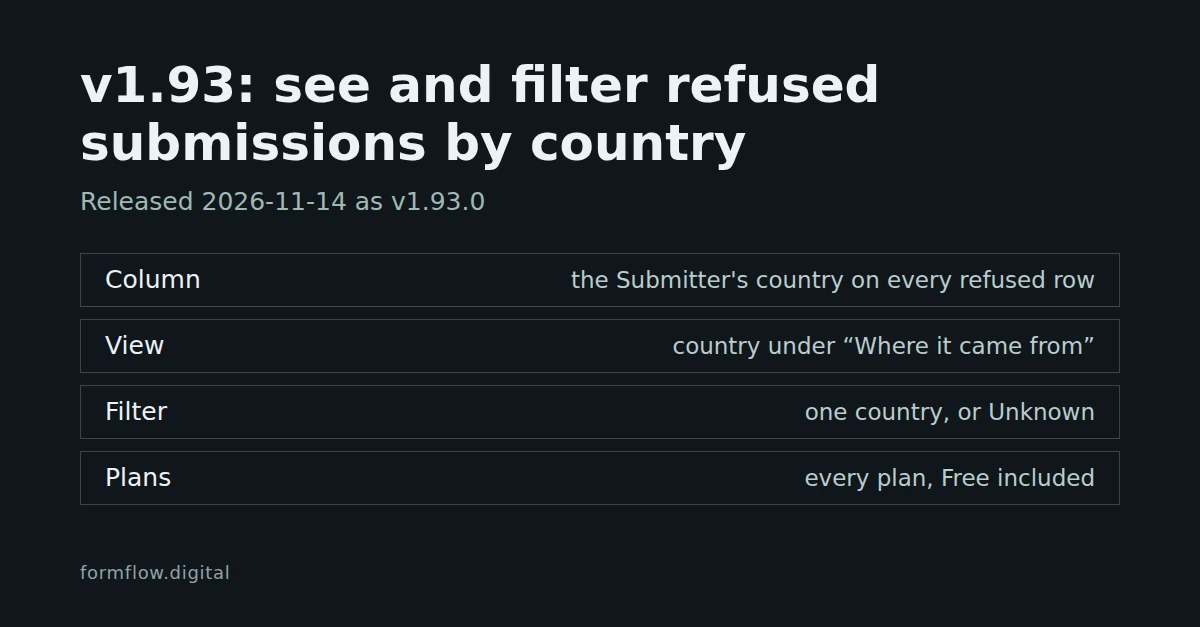
FormFlow v1.93.0, released on 14 November 2026, has one entry, an addition. FormFlow has recorded the Submitter's country on refused submissions since the country rule arrived, but the Refused list never showed it. Now it does, and you can filter by it. v1.93.0 in the Changelog remains the record of the Release.
The country on every refused row
The Refused list has a new Submitter country column, between Form and Reason. It shows the country's name in the panel's language; hover it to see the two-letter code FormFlow stored, the same code your exports and your country rule use.
It shows on refusals for every reason, not only those turned away by a country rule.
A refusal whose country could not be worked out, that arrived before FormFlow recorded countries, or that holds a code outside FormFlow's country list reads Unknown, with no tooltip. FormFlow never guesses a name.
You can hide the column from the column picker. It cannot be sorted.
On a narrow phone screen the cell shows the two-letter code instead of the name, so the table does not spill sideways.
Open a refusal and the same country appears in its “Where it came from” section, right after Origin, by the same rule.
Filter the Refused list by country
A Submitter country filter sits after Reason. It rests on All, offers every country plus Unknown, and you can type to search it. Pick one and the list keeps only the refusals that arrived from that country.
It combines with the Form, Reason, Recovered and Reviewed filters and with the search box: a row has to match all of them.
Unknown keeps the refusals with no recognised country.
It reads only the country the Submitter arrived from, never the answer to a Country field on your form.
The CSV, Excel and JSON export buttons export the rows the list shows, so the country filter narrows the file too.
Recover the leads a country rule turned away
This is the job the filter is for. Say your form's country rule allowed only France, and you now sell in Germany too:
Add Germany to the form's country rule in its Security settings.
On the Refused list, filter Form to that form and Submitter country to Germany.
Select the rows and choose Recover.
Recover checks each refusal against the form's current settings, so it frees these rows only once the rule admits their country. Recovered submissions go to your inbox and every destination, and they count toward your usage. “Unlock and recover” never proposes a change to a country rule, so for these refusals you change the rule yourself first. Review refused Submissions and teach the spam filter walks through the rest of the Refused list.
What this does not do
It does not change who your country rule admits; the rule is still set in the form's Security settings, as v1.75 explains.
The filter takes one country at a time, and the list cannot be sorted by country.
The country comes from the Submitter's IP address, worked out on FormFlow's servers; the address itself is never kept. When no country can be worked out, none is recorded.
Refused submissions are still deleted after the retention period. Recover or export the rows you need before they go.
It is on every plan, Free included. The full wording is in the Changelog entry for v1.93.0.