
v1.50: one ZIP for the files you tick
FormFlow v1.50.0 lets you tick submissions in the inbox and get one emailed link to a ZIP of their files, up to 500 submissions and 100 MiB at once, in folders named by export ID.
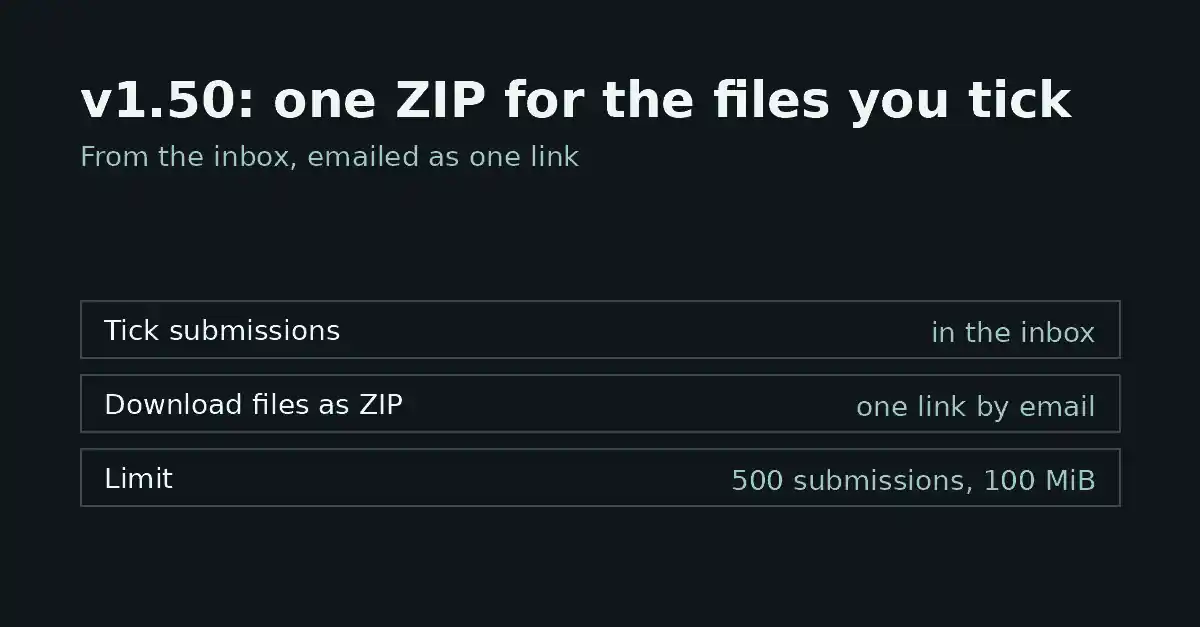
FormFlow v1.50.0, released on 2026-10-12, adds one action to the submissions inbox: tick the submissions you care about, choose "Download files as ZIP", and we email you one link to a ZIP with every file those submissions carry. This post explains what that does, the limits it ships with, and the questions the Release entry leaves open.
What changed in the inbox
Since v1.21, a single submission's page has had a "Download files as ZIP" button beside Print. What was missing was a way to take the files of a chosen set of submissions in one step; v1.50.0 makes it a selection and a menu choice. The new inbox action carries the same name, and it works on the submissions you have ticked in the inbox, not on a saved filter or on the whole form.
The download is not instant. You choose the action, and FormFlow emails you a link. That is the same shape as an export: the result arrives by email, as one link.
What is inside the ZIP
The archive holds every file the ticked submissions carry. Files are grouped in a folder per submission, and each folder is named by the ID that the export uses for that submission.
That naming choice is the useful part. If you also export the same submissions, the ID in an exported row matches the name of a folder, so you can join the two without opening anything. The folder is not named after the submitter, the form or the file, and you should not expect it to be.
The limits
Two ceilings apply to a single request:
Up to 500 submissions at once.
Up to 100 MiB of files at once.
Both ceilings apply to the one request. If your selection is bigger than either number, split it across several requests. Which one you hit first depends on your uploads: many small files reach the submission count first, while a few large attachments reach the size ceiling first.
A quick piece of arithmetic shows how the two interact. If every submission carries a single 1 MiB file, 100 MiB is reached at 100 submissions, long before the 500 limit. If the submissions you tick carry no files at all, there is nothing to put in an archive, and the request is refused rather than sent empty. For forms that accept sizeable uploads, expect 100 MiB to be the limit you meet first.
The link works once
Like an export, the link works once, for you, within the hour. Each part of that sentence is a constraint:
Once: the link serves the ZIP a single time.
For you: the link is for the person who asked.
Within the hour: a link left longer than that stops working, and you request the ZIP again.
The entry gives no reason for these constraints, but their effect is clear: you cannot treat the email as an archive. Save the ZIP where it belongs the first time you open it.
The same constraint is stated for exports, which is why the two feel alike: you ask, you get an email, you open the link once. If you already work that way with exports, the ZIP adds nothing new to learn, only a different payload.
Where it is blunt
A selection over 500 submissions, or one whose files add up to more than 100 MiB, is refused in the inbox with a message saying which limit it hit. Nothing is queued, no partial ZIP is made, and your ticks stay so you can trim the selection. A ticked submission with no files gets no folder; it is simply left out. If a build fails after it was queued, you get an email saying so instead of a link. The Release entry does not say how long the ZIP takes to build, so this post does not either. If timing matters for your workflow, try a small selection first.
This post covers v1.50.0 only. Anything that changed in later point Releases is recorded in the Changelog under its own version, and this post does not replace the v1.50.0 Changelog entry.