
v1.73.11: send yourself a test digest
Since v1.73.11, a form's Delivery settings have a “Send a test digest to me” button that emails you, and only you, a real digest of the form's ten newest submissions, without waiting for the next digest day.
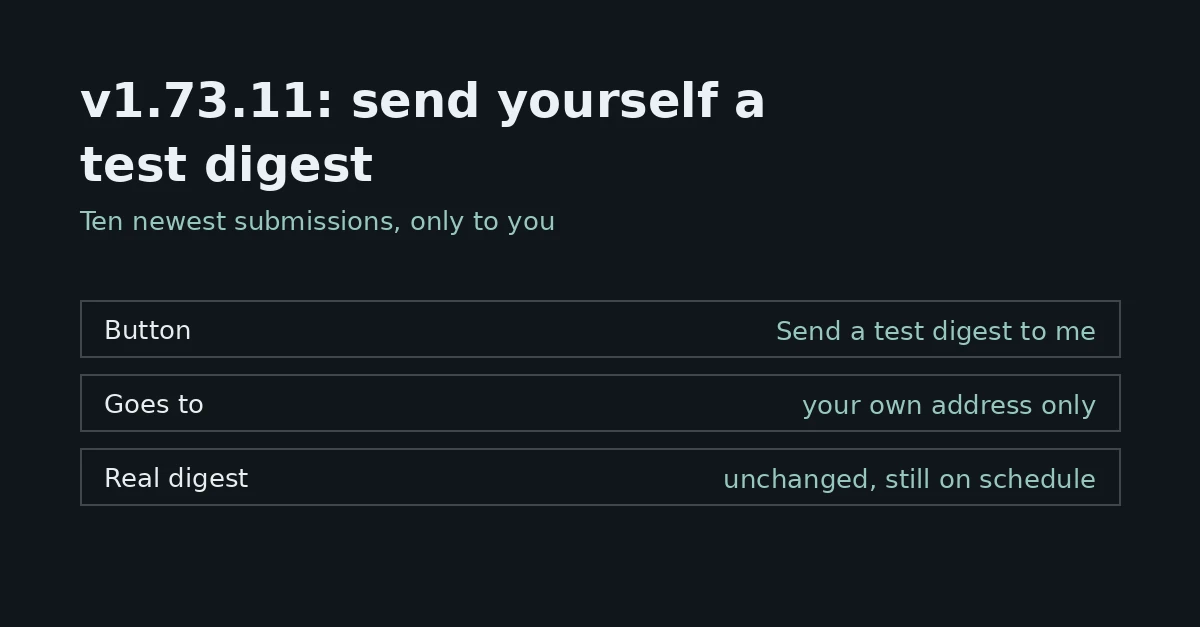
FormFlow v1.73.11, released on 2026-10-25, adds one button to a form's Delivery settings: “Send a test digest to me”. It emails you a real submission digest built from the form's newest submissions, so you can see what your notification addresses will get without waiting for the next digest day. This post describes that button and nothing wider; the Changelog entry for v1.73.11 remains the record of the Release, including the fix it also carries.
Why it exists
The digest is the only email your team gets about a submission. Submissions reach your inbox and webhooks the moment they arrive, but email waits for the digest, on the cadence each form chooses: daily, weekly or monthly. On a weekly or monthly cadence, the first digest after you set a form up can be days or weeks away. Until now, that was also the first time you could check it: whether it lands in a spam folder, whether the cadence is the one you meant, and whether the preview lines say enough to act on.
What the button sends
A digest of this form's ten newest submissions, newest first.
Spam is left out. A submission the filter flagged as possible spam is listed with its warning mark and the explanation at the foot of the email, as in a real digest.
It is written in your team's language, the same one the real digest uses.
It covers this form only. A real digest groups every form an address is listed on; the test shows one form's section.
It is built from the saved form and the submissions it already has. Changes you have not saved yet are not part of it.
Who gets it
Only you. The test goes to the email address you are signed in with, and there is no address field, so the button cannot be pointed at anyone else. The form's notification addresses receive nothing.
What it does not change
Nothing about the real digest moves. A test digest is not recorded as a delivery, the form's schedule and anchor day stay as they are, and the submissions it showed still appear in the next real digest. You can send a test the day before a digest goes out and the real one is unaffected.
When you can use it
The button sits under “Email these addresses” on the form's Delivery tab.
It shows on a saved form whose saved setting sends email: daily, weekly or monthly. With “No email” there is no digest to test, so there is no button.
If you switch a form from “No email” to a cadence, save first; the button appears once the new setting is saved.
A form with no submissions yet, or only spam, is told so and nothing is sent. The test never invents sample data.
Where it is blunt
The email is a real digest, word for word, so it reads like one: the subject and the first line say “new submissions” and “since your last digest”, even though a test shows your newest submissions whether or not a digest already covered them. There is no “Test” label in the subject.
Ten is the ceiling, as in a real digest's section. The test does not count the submissions beyond those ten.
You can send five test digests an hour. A send that fails still counts, because every test leaves through the same mailbox as real mail.
If the email cannot be sent, you see “The test digest could not be sent.” and nothing more. The test does not say why; the mail server's reply stays in FormFlow's logs.
How to use it
After setting up a form's notification addresses, send one test and look for it in your inbox. If it is in a spam folder, the real digest will likely land there too, so mark it as not spam or allow the sender before the digest day. Then read the preview lines. Each one shows a submission's first three answers, starting with the form's Inbox field, chosen on the Fields tab. If the lines do not tell you which submissions need an answer, pick a more telling Inbox field. Then leave the cadence alone: the real digest arrives on its day with everything it was going to carry.