
Send the person who filled in your form a receipt
Turn on a submitter receipt for a form, write the message, test it on yourself, and know the limits: ten per hour and thirty per day to the same address.
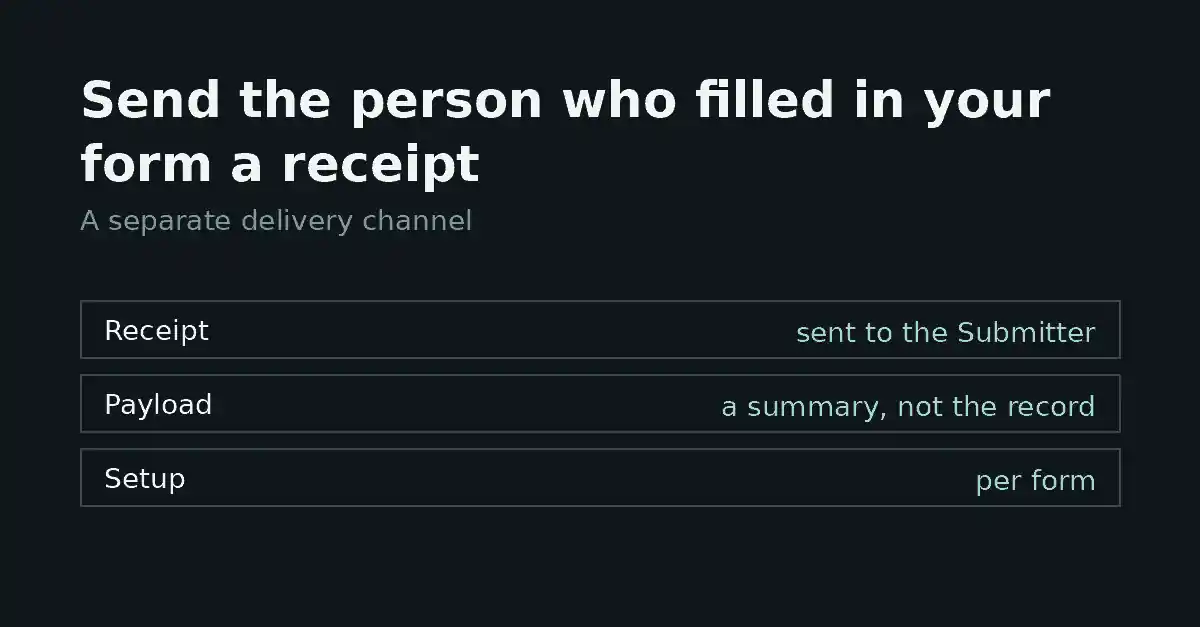
A submitter receipt is the email a person gets after they fill in your form: it confirms the form arrived. In FormFlow it is its own Delivery channel, separate from webhooks and the digest, and it is configured per form. This tutorial sets one up, shows what the person receives, and lists where the feature stops. One rule shapes everything below: the complete encrypted payload is never copied into a receipt. A receipt contains only the words you write and the answers you place in them.
Before you start
You need two things. The form must have an email field, because the receipt goes to the address a submitter typed there. And your plan must include receipts: they are a plan feature, and a copy of a form made on a plan without them starts with receipts off.
Set up the receipt
Open the form and find its Submitter receipts settings.
Switch receipts on.
Choose the email field. FormFlow asks for a declared email field of this form; with receipts on and no such field chosen, the settings do not save.
Write a subject, up to 160 characters. While receipts are on, the subject cannot be left empty.
Write the message, up to 10,000 characters. It cannot be left empty either while receipts are on.
Save the form, then choose “Send a test receipt to me”.
To put an answer in the message, write a placeholder with the field's name. For a field named full_name, write {{field.full_name}} where the answer should appear, for example “Hello {{field.full_name}}, thanks for writing to us.”
The message is written in Markdown, and HTML is refused. Links in a receipt never render as live links. Paragraphs and line breaks you write are kept. Answers are pasted in as inert text, each cut at 1,000 characters, and file upload fields cannot be used as placeholders. Result placeholders, such as {{result.mark}}, are accepted only when the form has an answer key.
What the person receives
Once receipts are on, every submission that carries a deliverable address in the chosen field is owed one email, with your subject and your message and the answers filled in. It is written entirely in the form's Submitter language, answers included. If the person replies, the reply goes to the form's first valid notification address, so check that one first.
Nothing else is attached. There is no copy of the submission, no uploaded file, and nothing from the stored payload that you did not place in the message yourself.
Test it on yourself first
The test receipt emails the saved receipt to your own address, so you see the subject, the message, the language and where replies go. Each placeholder shows the field's label in brackets, such as [Name], so you can see where every answer will land. It does not count as a submission and leaves your inbox untouched. Save first; the test sends the saved version. It goes only to you, at most five times an hour.
Limits to know about
Each form sends at most ten receipts to the same email address in an hour, and thirty in a day. A submission past that is still accepted and shows up in your inbox; only the extra receipt is skipped. That is deliberate: nobody can use your form to fill someone else's mailbox.
Other ceilings exist per form and per team, and this tutorial does not cover them.
No receipt is owed when receipts are off, when the chosen field holds no deliverable address, or when the receipt configuration is invalid.
Retry is not offered for a receipt to an address that bounced.
Where it is blunt
A receipt confirms that the submission arrived, nothing more. It does not mean anyone has read it, and it cannot send the submitter a copy of what they typed beyond the placeholders you add.
It also goes to whatever address was typed into the field. That is exactly why the per-address ceiling exists. Treat the receipt as a courtesy to the person, not as proof that they own that mailbox.