
v1.53: change a member's role
From v1.53.0, an owner can make another member an owner, or another owner a member, on Team settings. A team always keeps one owner, and every change is logged.
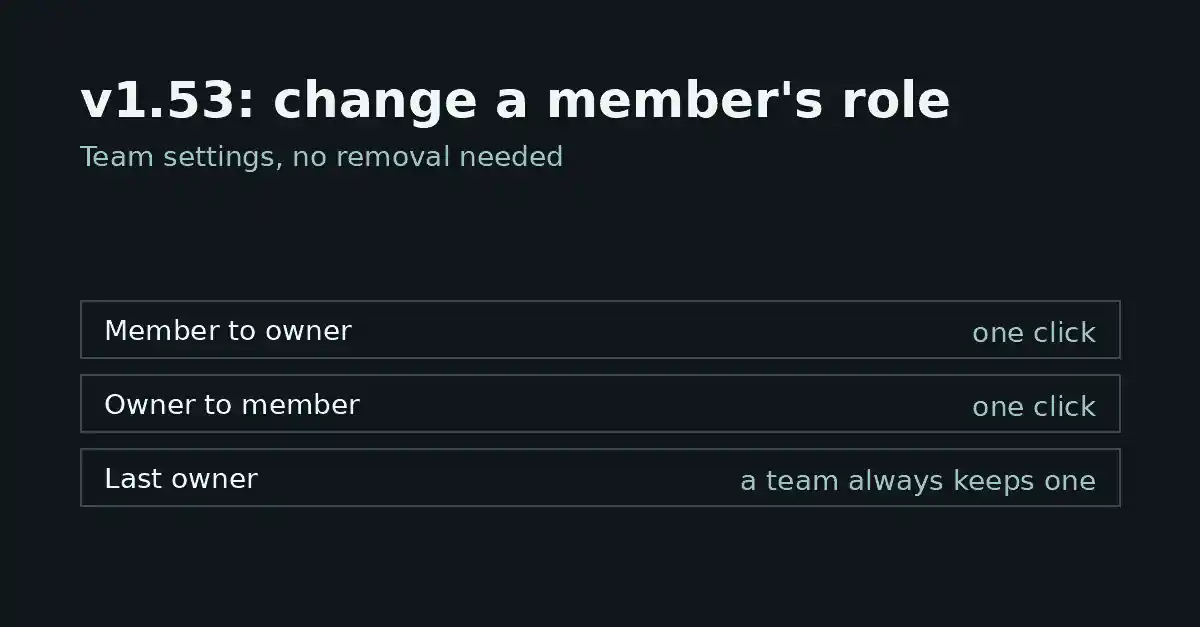
FormFlow v1.53.0, released on 2026-10-12, lets an owner change another Team member's role from Team settings. An owner can make a member an owner, or an owner a member, without removing anyone. This post covers what the Release does, what its Changelog entry guarantees, and what it leaves undecided.
What the Release adds
On Team settings, an owner can now make another member an owner, or another owner a member. A Team has two roles, Owner and Member, so these are the two directions a role can move. Neither one takes anyone off the Team: the person stays where they are, and only the role changes.
Roles were already set when someone is invited, because an invitation carries a role. This Release adds the missing move for people who are already on the Team.
When the change takes effect
The Changelog entry says the change applies on that person's next click. It describes no sign-out step and no acceptance step on the other person's side, so do not plan around either one.
If you are demoting an owner, treat the change as immediate from their point of view, and tell them before you make it rather than after. A short message ahead of time saves them from discovering the change in the middle of a task.
A team always keeps at least one owner
The entry states this as a guarantee: a team always keeps at least one owner. However the role changes are sequenced, the Team is never left without an owner.
The entry does not give the wording of the refusal when a change would break that rule, so this post does not quote one. The practical consequence is about order. To move ownership from one person to another, work in this sequence, so that at every step the Team has an owner:
Make the incoming person an owner. For a moment the Team has two owners, which is fine.
Tell them it is done. The change reaches them on their next click, so they need do nothing to accept it.
Only then change the outgoing owner to a member.
Each change appears in the activity log
Each role change appears in the activity log. FormFlow keeps an Activity Log that a Team reads, separate from the log Staff activity is kept in. That gives a Team a place to look when it needs to know how someone came to hold a role.
The entry does not list which details each log line carries. Open a line in your own log before you rely on a particular field in an audit.
Inviting someone who is already on the team
The same Release changes invitations. Inviting someone who is already on the team is refused, with a pointer to the Members list. An invitation is for people who are not yet on the Team, and a role change is for people who are.
The refusal points you to the Members list; the role change itself is on Team settings.
Where it is blunt
It does not decide who should be an owner. The entry describes no approval step: an owner picks the role and the change applies.
There are two roles, Owner and Member. The entry adds no third role and no per-Form permissions.
The entry says "another member" and "another owner". It says nothing about changing your own role, so this post makes no claim about it.
The entry does not mention a notification to the person whose role changed. Tell them yourself.
This post does not list what each role can do, because the Release entry does not. Read it as a change to who holds which role, not to what a role means.