
v1.61: connect your AI assistant to FormFlow
Release v1.61.0 lets an AI assistant list your Forms, describe fields and report counts, never reading Submissions. A token can also let it draft Closed Forms.
Release v1.61.0 shipped on 15 October 2026 with the Assistant connection. On plans with API access, an AI assistant such as Claude can list your Forms, describe their fields and report counts of Submissions, deliveries and usage. It never sees what anyone submitted. With a token you allow to create Forms, it can also draft a new Form or copy one. The Changelog entry is a short paragraph. This post covers how to connect it, what each tool returns and where it stops.
Connecting it
Open API tokens in the panel. Only a Team owner can, and the Team's plan must include API access.
Press Create token. Give it a name and choose its Abilities. Assistant: read opens the connection, and Create forms lets the assistant draft Forms. You can also limit the token to named Forms and set an expiry date.
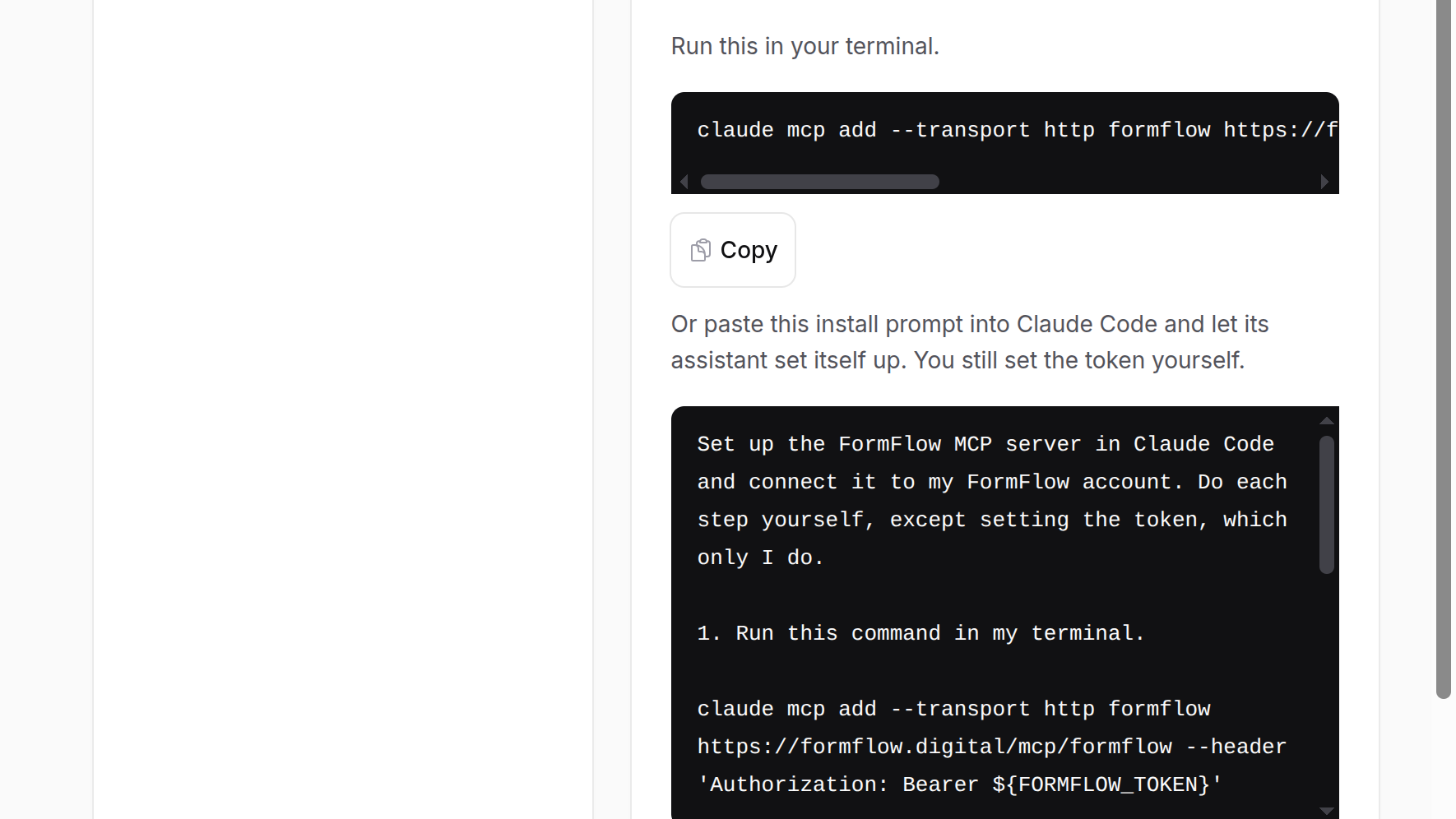
Copy the token and the connection settings the page shows with it: the endpoint address, a Claude Code command and a Claude Desktop configuration. The Desktop one needs Node.js.
The token is shown once. FormFlow keeps only a hash of it, so a lost token cannot be recovered, only replaced. Revoking a token takes effect at once.
What it can read
With Assistant: read, the assistant gets seven read-only tools. All of them show only the Forms the token reaches.
list_forms: each Form's name, whether it is open or Closed, its closing time and Submission cap, and its health.
describe_form: a Form's fields, with each one's key, type, label, whether it is required, its Step and its options. It never returns an Answer key, conditional rules or help text.
list_starters: the Starters a new Form can begin from, and whether your plan locks each.
submission_counts and refused_submission_counts: numbers per Form and day, or per Form and refusal reason. submission_counts keeps spam apart from other Submissions.
delivery_counts: succeeded, failed and pending deliveries per Form and channel. The channels include webhook and Google Sheets, so it can tell you a webhook is failing. It never names the destination.
usage: your plan, the current usage period, the Submissions counted so far and the plan's limits. It carries no prices or invoices.
If the assistant reports failed deliveries, these two tutorials cover the destinations: sending Submissions to a webhook and sending them to a Google Sheet from Drive. The counts say that something failed; they do not say why.
What it can write
With the Create forms Ability, two more tools appear. create_form builds a Form from a Starter or from a list of fields you give it, never both. copy_form makes a Copy named Copy of the original. Either way:
The new Form starts Closed. A person opens it in the panel, reviews it and decides when it takes Submissions.
create_form sets no Answer key.
The tool returns only the Form's id, name and a panel link.
The Activity Log records it, with the token's name.
A token limited to named Forms cannot create Forms.
If Form creation refuses the Form, the assistant gets the problem, row by row, as an error.
This is not the one-sentence builder inside the panel that came with Release v1.1. That one fills the Form builder for you to review. This one lets an assistant outside FormFlow create the Form for you to review.
Limits
It never reads Submissions, so it cannot summarise what people wrote. It can only count.
It has no tool to edit or delete a Form, open a Closed one or change an existing field.
It sees only the Forms the token reaches. A token limited to named Forms is the right choice for anything you would rather not expose widely.
The assistant's answers are only as good as the assistant. FormFlow returns data. It does not check what the assistant concludes.