
v1.9: reply to a lead, and see what is still waiting
FormFlow v1.9 adds a reply from the Submission, Open and Handled status, and a per-Form waiting threshold. Here is what each control does, and what it deliberately does not.
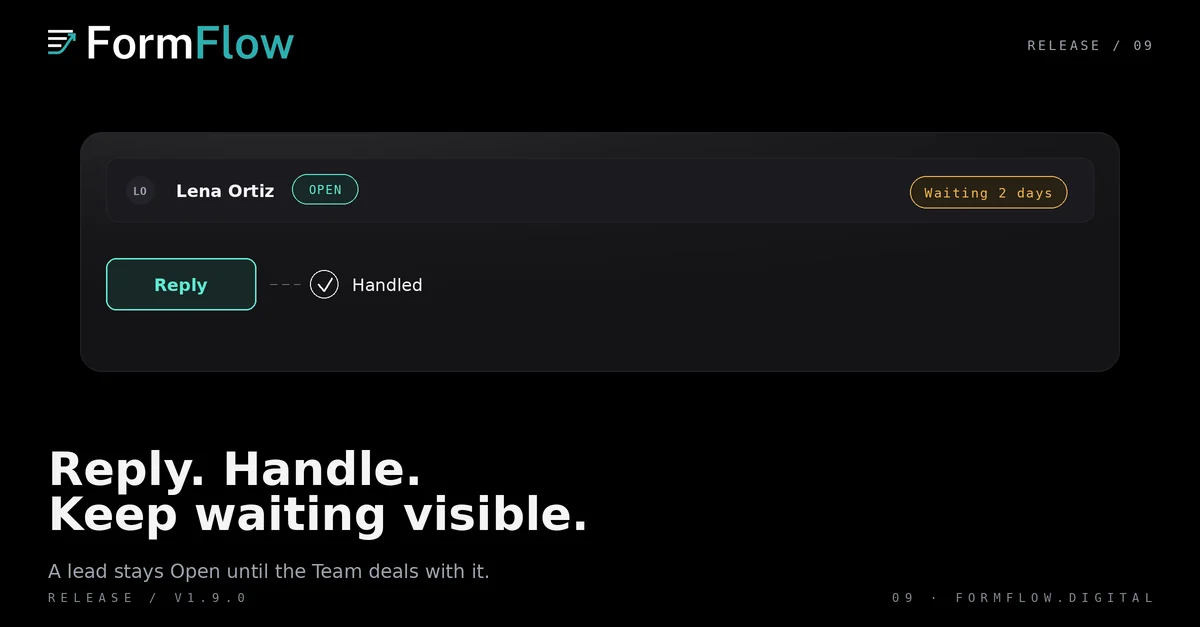
FormFlow v1.9.0 shipped on 2026-09-27. It adds three things to the inbox: a reply you write from the Submission itself, a follow-up status on each Submission, and a per-Form age after which a lead nobody answered is called out. The three fit together, and each one stops somewhere worth knowing before your team builds a routine on top of it.
The Release is recorded in the Changelog. This post explains the entries that Release shipped and stops there: it promises nothing from a later one.
Reply from the Submission, not from your mail client
On a paid Plan, open a Submission and press Reply. FormFlow sends the message to the same address a Submitter receipt would use — the address the Submitter typed into the Form — and the answer comes back to your notification address rather than to a mailbox FormFlow runs.
That is the whole loop, and it closes the way it opened. A Submitter reply is one-way mail: a message your team writes, not a thread. FormFlow never receives the Submitter's answer, so nothing lands back on the Submission when they write to you. If your reply bounces, the lead returns to the list instead of disappearing into a sent folder nobody reads.
The reply leaves from the Form, to the address the Submitter entered.
The Submitter's answer arrives as ordinary email at the notification address.
A bounced reply puts the lead back on the list.
Handled is not the same as replied
Every Submission carries a follow-up status. It is Open until your team has dealt with it, and Handled once it has. Marking a Submission Handled is a claim about your side of the work, not about the Submitter's.
That distinction is the point. A lead your team settled by phone, and never answered in FormFlow, is Handled. A lead you answered three days ago and then forgot is still Open. You can reopen a Handled Submission when the call was wrong, and filter the inbox down to what is still Open. The status belongs to the Team: everyone who can see the Form sees the same value.
How long a lead may wait
Each Form chooses its own threshold — 4 hours, 1 day, 2 days or 1 week — and the dashboard shows how many Submissions have been open longer than that. It is a count of waiting, not a promise about patience.
The setting is per Form because the honest answer is per Form. A quote request your team answers within the hour and a grant application that takes a week do not share a service level, and one team-wide number would leave one of them looking permanently late. Switching a threshold on is not retroactive either: it applies to Submissions that arrive after it is set, so a full inbox will not light up the moment you save.
What did not change
The reply path is narrow on purpose, and the Release leaves the rest of the inbox alone.
There is no inbound half. The Submitter's answer is ordinary email; no thread, message history or attachment appears on the Submission.
Nothing is sent on its own. FormFlow does not answer, acknowledge or follow up for you.
No assignment or routing. There is one status per Submission and one threshold per Form; no lead is handed to a person by the product.
A reply is Submitter mail, so it follows the same clearance rules as a receipt, including the Team's Plan and a hard bounce on the address.
Notification addresses, receipts and Delivery destinations work exactly as they did before.
If you have read the earlier post on describing a Form, branching it and accepting documents, none of that changes here. A branch decides which fields a Submitter sees; the follow-up status decides what your team does next.