
v1.7: one Form, one language for the person filling it
FormFlow v1.7.0 lets a Form choose the language it speaks to Submitters, in nine languages, and carries that choice through the Hosted page, notices, emails and error pages.
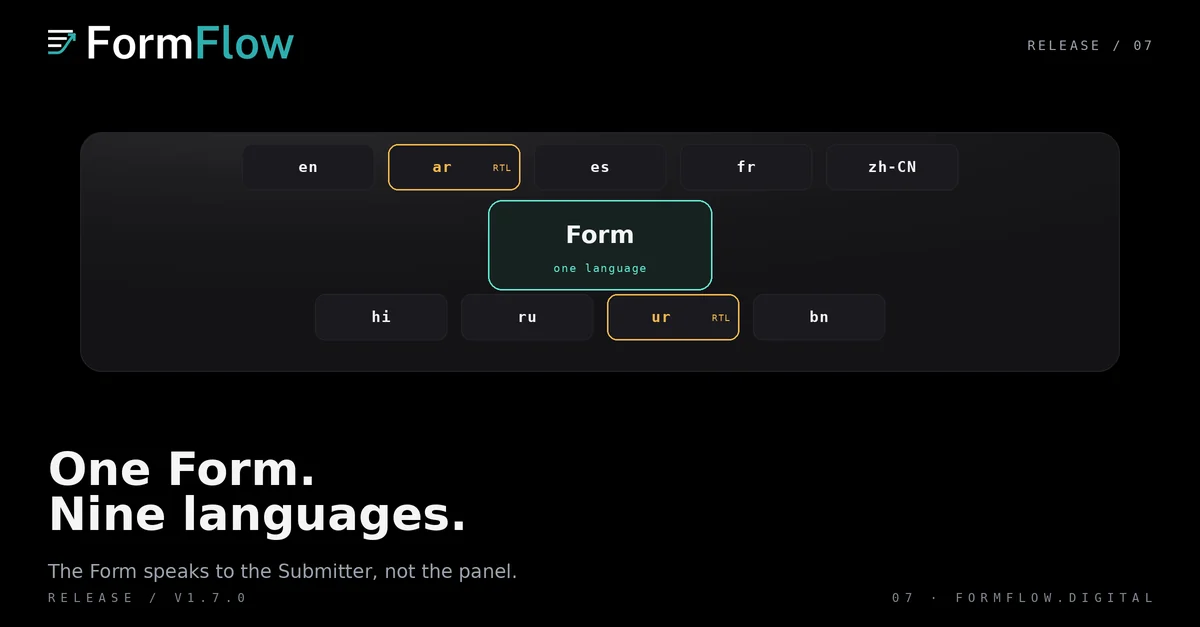
v1.7.0 shipped on 24 September 2026. Its headline is a single setting: the language a Form speaks to the people filling it. Before this Release, a Form's chrome followed whoever was reading. After it, a Form can speak for itself.
That distinction is the whole feature. The person filling a Form rarely knows what language your team reads its dashboard in, and until v1.7.0 they were shown your team's choice rather than their own.
What v1.7.0 added
The Changelog entry for v1.7.0 records three additions in the Form's own words:
A language for each form: choose the language a form speaks to the people filling it. Its hosted page, notices, embedded form and generated code all follow it, in any of the nine supported languages.
Emails in the reader's language: every email FormFlow sends now reads in its recipient's language, right to left where that language is.
Translated error pages: error pages now appear in the reader's language.
The same Release records two improvements and a fix at the edges. Microsites gained fonts for Hindi, Bengali and Russian, and a form placed on one speaks its own language. Hosted pages and their notices now carry the right font for every supported language.
Nine languages, chosen once per Form
The setting is per Form, not per team. Two Forms in one team can speak different languages, and the choice travels with the Form through every surface that renders it: the Hosted page, the notices a Submitter sees, the embedded form, and the code you copy from Get code.
The nine languages are the product's nine: English, Arabic, Spanish, French, Simplified Chinese, Hindi, Russian, Urdu and Bengali. Arabic and Urdu read right to left, and the Release says emails follow that direction where the language is one of them.
What a Submitter actually sees
Three things change for the person filling the Form, and all three were previously in the wrong language for anyone outside your team:
The Form's Hosted page chrome and the notices around the fields.
The error pages: a closed Form, a Form that is not accepting submissions, a page that does not exist.
The emails FormFlow sends, which now read in the recipient's language.
The email point is worth separating from the Form's language. The Release says every email reads in its recipient's language: the person receiving it, not the Form it came from. A notification to your team and a receipt to a Submitter are two different readers.
What did not change
The panel's language is a separate setting, and v1.7.0 does not merge the two. A Team can read the panel in one language and publish a Form in another. The Release does not make the panel follow the Form, and it does not make the Form follow the panel.
Nor does this Release translate your copy. The entries describe chrome and messages: the Hosted page, the notices, the error pages, the emails. The field labels and descriptions a Form owner writes are still the words the owner typed, in whichever language they were typed.
Nothing here changes the one-POST contract either. A Form still posts once with every field, whatever language it is displayed in, which is the property the Steps and embed work depends on.
Where to go next
If you embed a Form, the language choice arrives with the Generated component, and the embed tutorial covers what that component is and is not.
If you want to see how a Form's own structure gets described rather than translated, the v1.1 post on branching and document uploads is the place to start. Both predate this Release, and neither changes because of it.
For the exact wording of the entries quoted above, read the Release at the v1.7.0 Changelog anchor.