Post Submissions to a Microsoft Teams or Discord channel
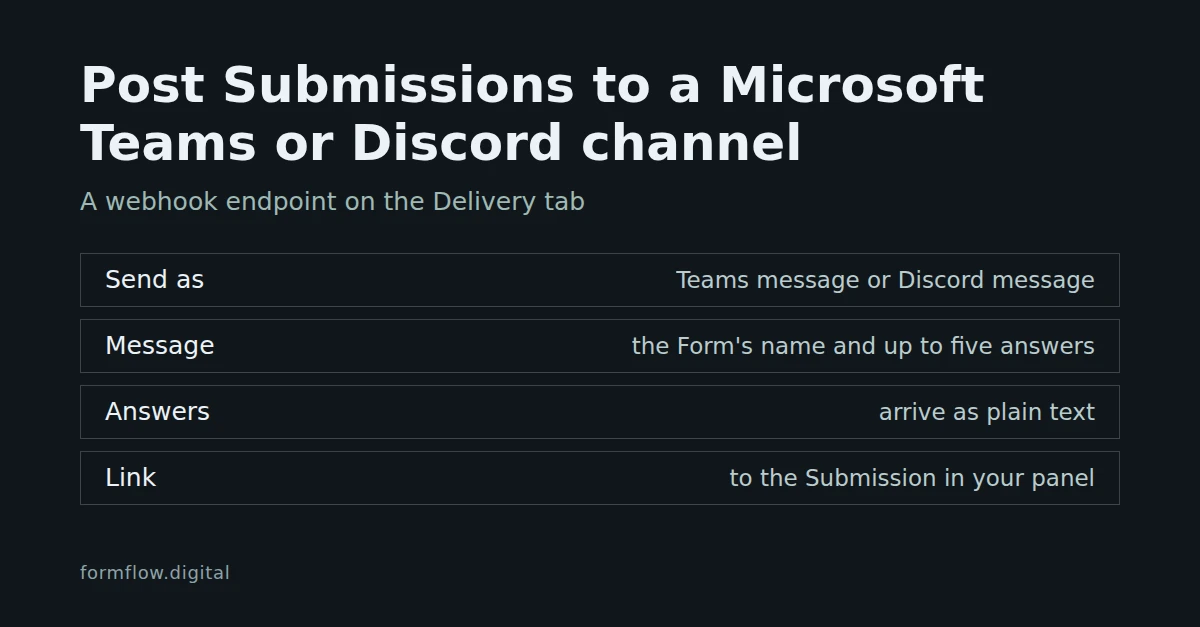
Add a webhook endpoint on a Form's Delivery tab, choose Teams message or Discord message and paste a webhook address you own. It is a payload format, not a native Teams or Discord integration.

Blog posts filed under Tutorials.
Add a webhook endpoint on a Form's Delivery tab, choose Teams message or Discord message and paste a webhook address you own. It is a payload format, not a native Teams or Discord integration.
Turn on a submitter receipt for a form, write the message, test it on yourself, and know the limits: ten per hour and thirty per day to the same address.
Connect a Google account once, choose a spreadsheet and tab from Google Drive, and every accepted Submission lands as a row. What FormFlow writes, what pauses it, and how to resend earlier ones.
Refused Submissions and spam are different piles. Find what your Form's settings turned away and recover it, then use Mark spam and Not spam to teach the filter. Steps and limits.
A form's While closed box replaces the default line with your own words. Here is how to write it, where visitors see it, and what it cannot do.
How to invite someone to a FormFlow Team, how Owner and Member roles work, and why a Team always keeps at least one Owner when you change roles or remove people.
Mark answers against a key, give each person a passcode, set a time limit, and follow who has started, submitted or run out of time on the Roster. Steps, trade-offs and what a Roster cannot prove.
Choose the columns of a CSV or Excel export, or tick specific Submissions and use Export selected. How the file reaches you, what is in it, and the limits of an export.
No website to put a form on? Start a Microsite from a Starter page, point it at your Team's forms and publish. Publishing needs a paid plan.
Set one Privacy notice address under Branding in Team settings and every hosted page your team publishes links to it from the footer. Where to set it, where it shows, and what it does not do.
Put a Form on WordPress without pasting markup on every page: upload the free single-file plugin once, then place the Form's shortcode in a Shortcode block and let it keep its fields.
Add a webhook endpoint to a Form, verify the signature on your receiver, and use Retry failed deliveries after an outage. What FormFlow retries by itself, and what it will not resend.
Add a webhook endpoint on a Form's Delivery tab, choose the Slack message format and paste an incoming webhook address you own. It is a payload format, not a native Slack integration.
Show a Hosted page's QR code in the form editor, download it as an SVG for a poster or slide, test it with a phone, and set the form to close after the event.
Turn an XLSX or CSV sheet of questions into a new FormFlow Form. The sheet is reviewed row by row before anything is saved, and the upload is not kept.
Open a Hosted page with answers already filled in from its link, and carry a campaign source such as utm_source in a Hidden field. Steps, rules, and the privacy trade-off of values in a URL.
Copy a Form's generated component from Get code, paste it into your own page, and set where visitors land after Send. Steps, a sample of the markup, and the limits of a pasted copy.
FormFlow computes four Health signals from a Form's own traffic — Friction, Submission refusal, Submission drought and Schema drift — and alerts you once when one newly appears, not for an unchanged condition.
A Management API token is hashed, shown once and scoped by Ability: five read routes over Forms, Submissions, refusals and one attempt thread, with cursor pagination and no write surface at all.
Steps split a long Form into screens without touching the endpoint: one POST still carries every field, the break rides on the field below it, and a Form falls back to one page.