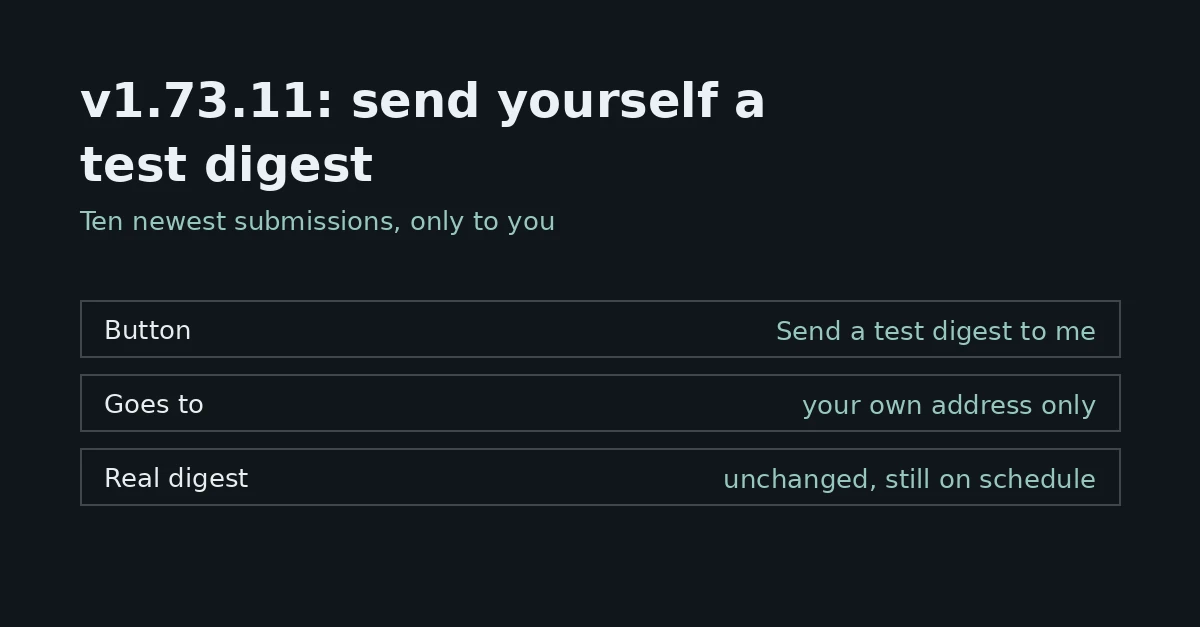
v1.73.11: send yourself a test digest
Since v1.73.11, a form's Delivery settings have a “Send a test digest to me” button that emails you, and only you, a real digest of the form's ten newest submissions, without waiting for the next digest day.

Tutorials, tech news and product updates from the people who build FormFlow.
Since v1.73.11, a form's Delivery settings have a “Send a test digest to me” button that emails you, and only you, a real digest of the form's ten newest submissions, without waiting for the next digest day.
Turn on a submitter receipt for a form, write the message, test it on yourself, and know the limits: ten per hour and thirty per day to the same address.
Release v1.61.0 lets an AI assistant list your Forms, describe fields and report counts, never reading Submissions. A token can also let it draft Closed Forms.
Release v1.71.0 lets a form's spam filter learn from your spam and not-spam marks in any script, and lets submission search find words in any script. Here is exactly what the entry promises and what it leaves open.
v1.68.0 puts an assistant in the panel for Teams on a paid Plan. Ask about Forms, Submissions, deliveries, usage or plan limits and every answer names its source — without reading Submission values.
Connect a Google account once, choose a spreadsheet and tab from Google Drive, and every accepted Submission lands as a row. What FormFlow writes, what pauses it, and how to resend earlier ones.
Release v1.65.0 puts an Accessibility options button on the website, sign-in, the panel, Hosted pages and Microsites, with text size, contrast, motion, links and spacing under the reader's control.
Refused Submissions and spam are different piles. Find what your Form's settings turned away and recover it, then use Mark spam and Not spam to teach the filter. Steps and limits.
A form's While closed box replaces the default line with your own words. Here is how to write it, where visitors see it, and what it cannot do.
Release v1.58.0 adds Opens at (UTC) beside Accepting submissions, so a Form opens itself at a chosen moment. What a visitor sees before then, and where it is blunt.
How to invite someone to a FormFlow Team, how Owner and Member roles work, and why a Team always keeps at least one Owner when you change roles or remove people.
Mark answers against a key, give each person a passcode, set a time limit, and follow who has started, submitted or run out of time on the Roster. Steps, trade-offs and what a Roster cannot prove.
From v1.53.0, an owner can make another member an owner, or another owner a member, on Team settings. A team always keeps one owner, and every change is logged.
Chrome 155 reached the Stable channel on 6 October 2026 with 247 security fixes, four of them critical use-after-free bugs. What the release says, what it leaves open, and why a patch cadence belongs in a Form's routine.
FormFlow v1.50.0 lets you tick submissions in the inbox and get one emailed link to a ZIP of their files, up to 500 submissions and 100 MiB at once, in folders named by export ID.
Choose the columns of a CSV or Excel export, or tick specific Submissions and use Export selected. How the file reaches you, what is in it, and the limits of an export.
No website to put a form on? Start a Microsite from a Starter page, point it at your Team's forms and publish. Publishing needs a paid plan.
Release v1.44.0 lets Starter and Pro Teams serve a Hosted page or Microsite from a subdomain they own, after adding a TXT and a CNAME record.
Since v1.42.0, sharing a hosted page's link shows the form's title, its introduction and your hosted logo, the last two only when you have added them.
A draft EU Council mandate would let sites ask for cookie consent again after four months instead of six. It is a draft, not law, and Parliament has no position yet.